Which one converts best
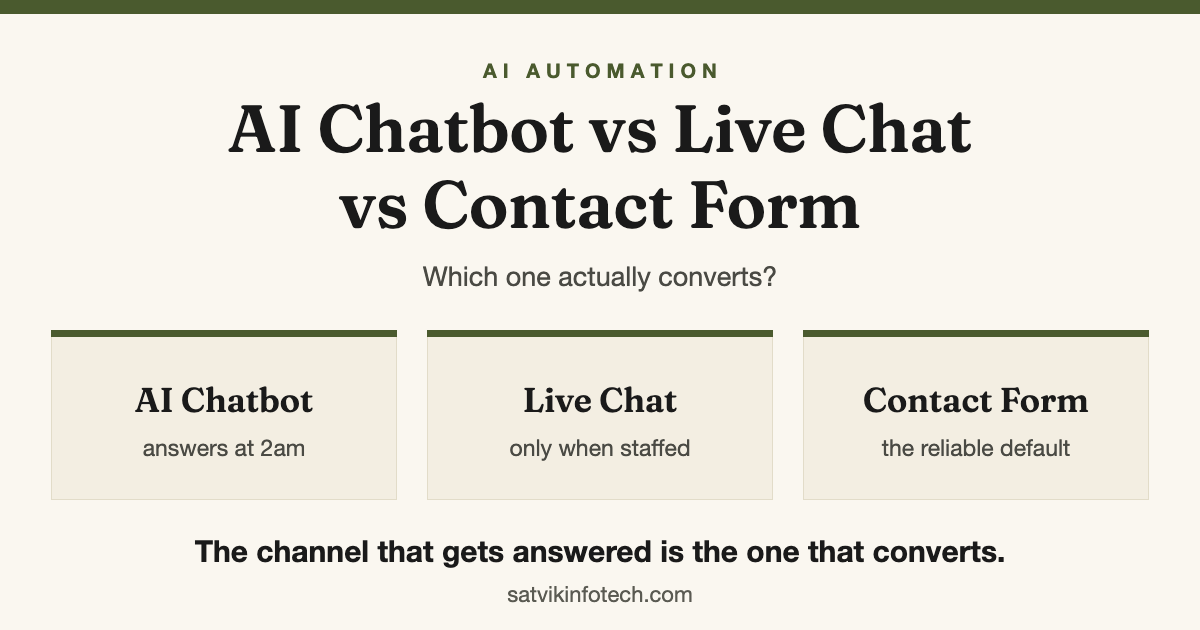
None of the three wins on its own, because they are not competing for the same job. The channel that converts is the one that gets answered.
- Choose a contact form if enquiries are answered quickly during your working hours and you want every detail captured in one searchable place. It is the only one of the three that cannot be unstaffed.
- Choose live chat if a named person is genuinely free to watch it. Unattended, a chat widget converts worse than no widget at all, because it invites a question and then swallows it.
- Choose an AI chatbot if enquiries arrive outside your hours, or the same five questions arrive every week, and the bot can actually do something: answer from your real content, hand over to a person, and capture the enquiry.
- Most small businesses should run two of them. A form as the system of record, and a chatbot covering the hours when nobody is at a desk.
Why the comparison is framed wrong
The question assumes the three are alternatives fighting over the same visitor. They are not. They are the same funnel staffed at three different levels, and what separates them is who is on the other end and how fast they get there.
A form answered in two minutes beats a chatbot that cannot answer anything. A chatbot that books a call beats a form nobody opens until Monday. In both cases the widget is not the thing that moved the outcome.
That is also why published "chatbot versus form" conversion figures are close to useless. They depend on the industry, the traffic, the offer and above all the response time, so we do not quote a percentage here and you should be wary of anyone who does. What follows is the mechanism instead, which transfers to your situation in a way somebody else's benchmark does not.
The three channels side by side
Read the bottom row first. Where the enquiry ends up decides whether any of this becomes a customer, and it is the row that has nothing to do with which widget you picked.
| Contact form | Live chat | AI chatbot | |
|---|---|---|---|
| What it asks of you | A fast reply during your hours | A person free to answer all day | Content to answer from, and an honest scope |
| Best at | Detail, and a record you can search later | Nudging a nearly-ready visitor over the line | Out-of-hours cover and repeat questions |
| How it fails | Answered on Monday, after they have moved on | Nobody watching, so it times out in silence | Confident wrong answers with no way out to a human |
| Outside business hours | Captures, does not respond | Offline, or a message nobody sees | Answers, and can hand over a booking link |
| Where the enquiry lands | Your CRM, if it is wired up | A transcript nobody exports | Your CRM, if it is wired up |
Two of those three rows end with "if it is wired up", and that is the honest state of most websites. Connecting the channel to a pipeline is CRM setup and management work, and it matters more than the choice this article is nominally about.
What a contact form is still best at
The form is the channel that keeps working when everything else does not. Scripts get blocked, widgets fail to load, and some people simply want to write three paragraphs and explain the whole situation before they speak to anyone.
It is also the only one of the three where you decide exactly what gets captured. That is worth protecting: every extra required field is another reason to close the tab, and most of what you want to know can be asked in the first reply instead.
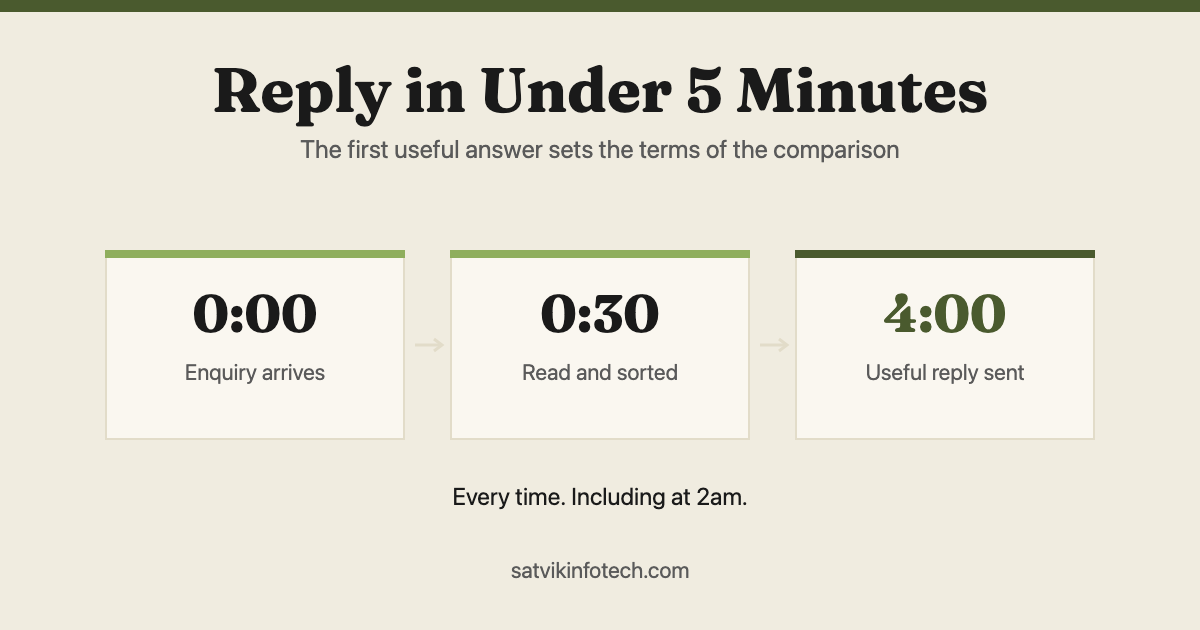
Its weakness is timing rather than capture. A form inherits whatever your reply habit already is, which is the whole argument in replying to every enquiry in under five minutes: the form did its job the moment it was submitted, and everything after that is yours.
Where live chat wins and quietly loses
Live chat is the strongest of the three at one specific moment. A visitor who is nearly ready and has one blocking question will convert if a person answers it in ten seconds, and neither of the other two channels can do that.
It loses the rest of the time, and it loses invisibly. An unattended widget is worse than no widget, because the visitor believes they have made contact and you end up with a transcript that nobody exports and nobody follows up.
The staffing arithmetic is the part that gets skipped. It only works if somebody can reply within about a minute, during every hour the widget is on screen, without stopping the work they are actually paid to do. In most small teams that person does not exist, which is why so many chat widgets end up behaving like slow forms.
The bar an AI chatbot has to clear
A bot that paraphrases your home page is a worse contact form. Before one earns a place on a site, it should clear five things, and the last one is the one nobody asks about.
| It has to | Why | What happens if it cannot |
|---|---|---|
| Answer from your own content | The answers have to match what you actually sell and how you sell it | It invents a plausible version of your business |
| Say "I do not know" | A wrong answer costs more than no answer, especially on price | Someone is misled and you find out late, or never |
| Hand over to a human | Some questions are judgement, not information | The conversation dead-ends with a polite apology |
| Capture the enquiry | A conversation that never becomes a contact record is not a lead | You have entertained a buyer and lost them |
| Be logged, and actually read | The questions people ask a bot are the ones your site failed to answer | You learn nothing from the one channel that records everything |
That last row is the underrated one. A chat log is the cheapest customer research available, because a repeated question is either the next page on your website or the next thing to fix in your offer.
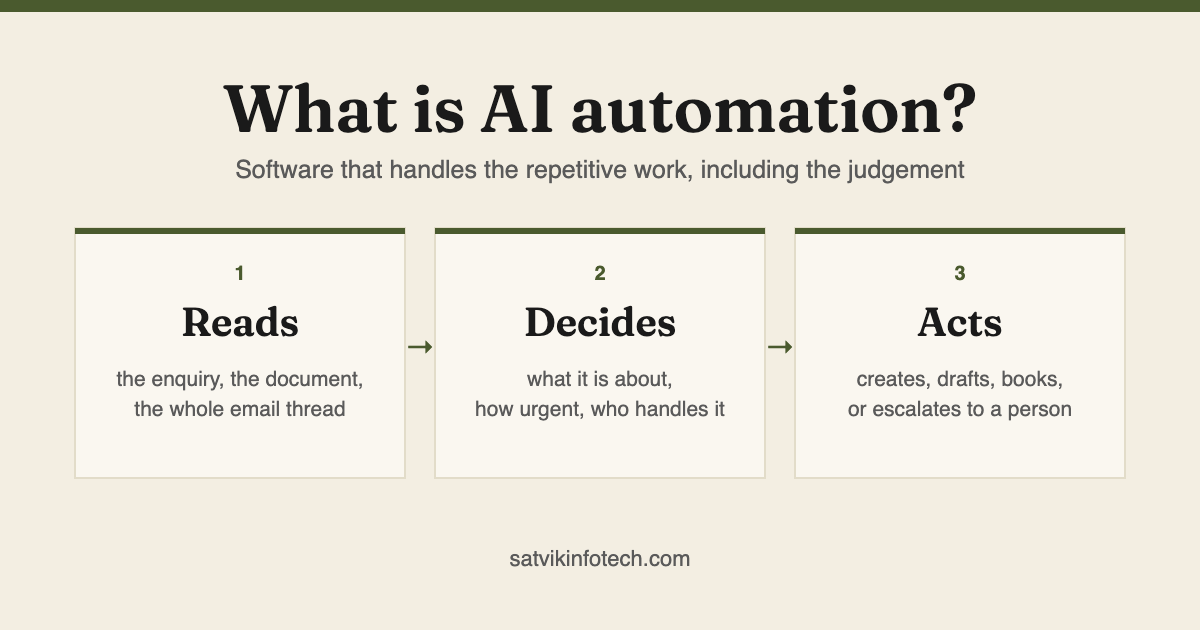
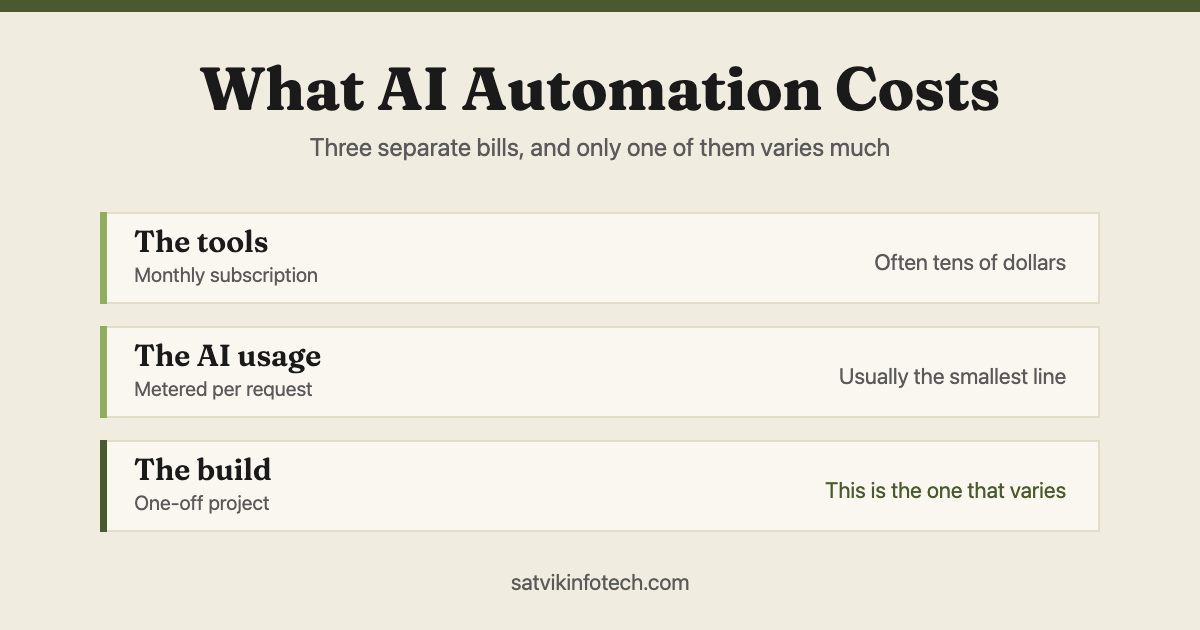
None of the five requires anything exotic. They are configuration and content decisions, which is broadly what AI automation actually is in practice, and the cost sits in the same two buckets described in what AI automation costs: metered model usage, plus the build.
The combination most businesses should run
For a small service business, the answer is usually a form plus a chatbot, with live chat added only when the staffing genuinely exists.
- The form stays primary. It is the system of record, it belongs on the contact page and at the foot of every page that sells something, and it should ask for as little as possible.
- The chatbot covers the gaps. Out of hours, weekends, and the questions that repeat. It should be able to hand over rather than pretending to be a person.
- Live chat is a staffing decision, not a software one. Turn it on for the hours you can defend and off for the rest, rather than leaving it up unattended.
Whichever combination you land on, all of it has to arrive in one place. Three channels feeding three different inboxes is three ways to lose the same enquiry, and if a new CRM is not the answer then connecting what you already have is workflow automation instead.
What we run on this site
There is a chat widget in the corner of this page, and describing it honestly is more useful than a feature list. It answers from what we publish, it is deliberately narrow, and it is not pretending to be a person.
It does not book anything for you. It hands you the booking calendar or the enquiry form, which is the handover row in the table above, and if our backend is unavailable it falls back to a small built-in answer set so nobody meets a broken chat. Conversations are saved, the panel says so, and our privacy policy explains exactly what is kept.
We read the log, and that is the part we would recommend copying. Several of the questions in it became sections on the answers page, which is a better outcome than any conversion rate we could have claimed for the widget itself.
If you want the same thing built around your business rather than ours, that is AI automation, and where a chatbot is really the front end of a larger product it becomes AI app development. Whichever channel you choose, catching the enquiry is only the first of seven handovers worth automating.
Common questions
Which converts better, an AI chatbot or a contact form?
Whichever one gets answered fastest in your business. A form answered in two minutes beats a chatbot that cannot answer anything, and a chatbot that books a call beats a form nobody opens until Monday. The widget is not the variable that decides it, the response behind it is, which is why a published conversion percentage for one channel against the other tells you almost nothing about your own site.
Does an AI chatbot replace a contact form?
No, and it should not. The form is the channel that still works when a script is blocked, a widget fails to load or someone wants to write three paragraphs and attach context, and it is the only one where you control exactly which fields you capture. Run the chatbot alongside it as out-of-hours cover and as a faster route for simple questions.
Is live chat worth it for a small business?
Only if a named person is genuinely free to answer within about a minute during every hour the widget is visible. Live chat is the strongest of the three for a visitor who is nearly ready and has one blocking question. Unstaffed, it is worse than having nothing, because it invites a question and then swallows it while the visitor believes they have made contact.
Will an AI chatbot give wrong answers about our services?
It will if it is set up to answer from general knowledge rather than from your own published content, and if nothing tells it to admit when it does not know. Both are configuration choices rather than limits of the technology. A bot that answers from your real pages, refuses to guess on price and hands over to a human when it is out of its depth is a safe thing to put on a website.
How much does it cost to run an AI chatbot on a website?
There are two bills, and they are usually smaller than people expect. One is the model usage, charged per conversation and metered, and the other is the build and the ongoing maintenance. We quote the build per project because the work depends on how much of your content is already written down and what the bot needs to connect to.
If you would rather talk it through than choose from a table, that is what the free call is for.