When is Zapier not enough?
Zapier stops being enough at one specific point: when the workflow needs to know something that is not in the event that triggered it. Everything else people cite, the cost, the step count, the tangle of branches, is a symptom of that.
- You have outgrown it if the workflow has to look up, match or deduplicate against data from earlier runs. Zapier handles one event at a time and remembers nothing between them.
- You have not outgrown it if only the task bill hurts. That is usually a design problem, and rebuilding it in code makes the same mistake cheaper to run rather than correct.
- The usual move is a hybrid, not a rewrite. Zapier keeps the triggers and the notifications, and the part that needs memory moves to code or to a self-hosted tool.
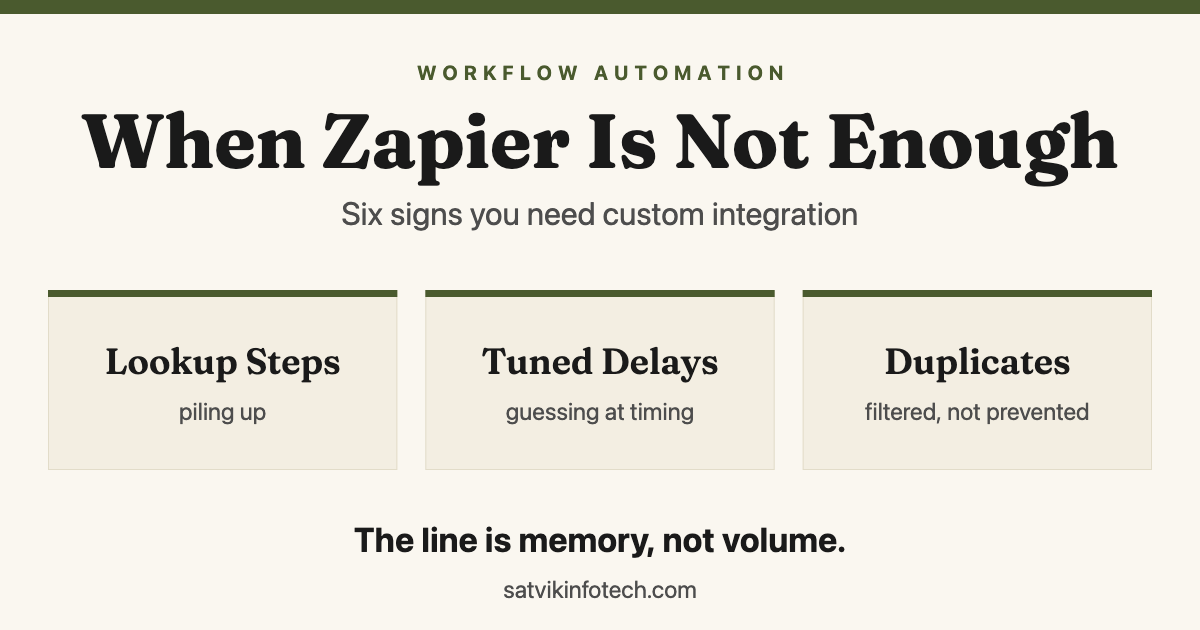
- The first sign is almost always a lookup step that somebody added to make things work. Six signs are set out below, in the order they tend to appear.
Why the question gets asked late
The question usually arrives after the workflow has already broken something. Somebody notices duplicate contacts in the CRM, or a client who received the same invoice twice, and the trail leads back to an automation that has been quietly wrong for weeks.
That is the expensive version. The cheap version is spotting the signs while everything still appears to work, because a no-code workflow does not degrade loudly. It carries on running, marking every step successful, and producing the wrong result, which is the same mechanism behind the automation mistakes that quietly lose you leads.
So the useful question is not whether Zapier is powerful enough. For most of what a small business automates, it is. The question is whether this particular workflow is still the shape Zapier was built for, and that has an answer you can check today.
The six signs, in the order they usually appear
These arrive in a fairly reliable order. The first two are easy to dismiss, because the workflow still works after you add the step that papers over them.
| What you notice | What it actually means | What fixes it |
|---|---|---|
| You added a step to find something before you could act | The workflow needs to know what already exists | A real query against whatever owns that record |
| Duplicates are being filtered out rather than prevented | Nothing remembers what previous runs created | A datastore with a unique key on it |
| A delay was added and tuned until it stopped failing | You are guessing at timing because nothing confirms | A callback, or a check that waits for the real answer |
| Failures are found when a customer mentions them | Errors have nowhere to go and nobody owns them | Retries, a queue for what failed, and a named alert |
| One rule change means editing four workflows | The business rule has been copied, not shared | One place that owns the rule and is called by the rest |
| Nobody can say what it does without opening it | The logic has outgrown what a canvas can express | Code, which can be read, reviewed and diffed |
The middle column is the one to read. Five of those six rows describe a workflow reaching for a place to keep state, and the sixth is what happens when you keep reaching without ever getting one.
The dividing line is memory, not volume
Zapier, Make and n8n are all event-driven. A run starts when something happens, carries the data from that one event, and forgets everything when it finishes. That design is exactly why they are dependable and easy to reason about.
The moment a process needs to know what happened last time, you are asking a stateless tool to remember. Deduplication needs that. So does matching a record instead of creating one, resuming a run that failed halfway, and any sync that has to work in both directions.
There are workarounds for all of it, and they work for a while. What they share is that each one rebuilds a database feature out of workflow steps, without the guarantees that made the original feature safe.
| The workaround | What it is standing in for | Where it gives way |
|---|---|---|
| A storage step holding IDs you have already seen | A table with a unique constraint | Two runs at once both read "not seen" and both write |
| A delay before a lookup | A confirmation that the other system finished | The day that system is slower than your delay |
| A filter that drops probable duplicates | A unique key | Real enquiries get dropped and nothing records it |
| A second workflow that tidies up after the first | Error handling inside the original | The cleanup fails too, and even more quietly |
| The same branch pasted into four workflows | One shared function | They drift, and nobody knows which one is right |
Storage by Zapier is a real, documented feature, and we use it. Checking their own help article on it on 31 August 2026, it is exactly what it says: a place to save and retrieve values between runs.
The point is not that the workaround is illegitimate. It is that once two or three of these are stacked inside one workflow, you are quietly maintaining a database with no schema, no constraints and no way to look at what is in it.
What the task bill actually tells you
Cost is the signal most people bring to us first, and on its own it is the weakest one. A workflow firing thousands of times a month is often doing that because it was built to run on every record and filter afterwards, rather than to run only when it needs to.
Fixing that ordering can remove most of the bill in an afternoon. Moving the same badly ordered workflow into code removes the bill entirely and leaves you maintaining the same mistake, now written in a language fewer people on your team can read.
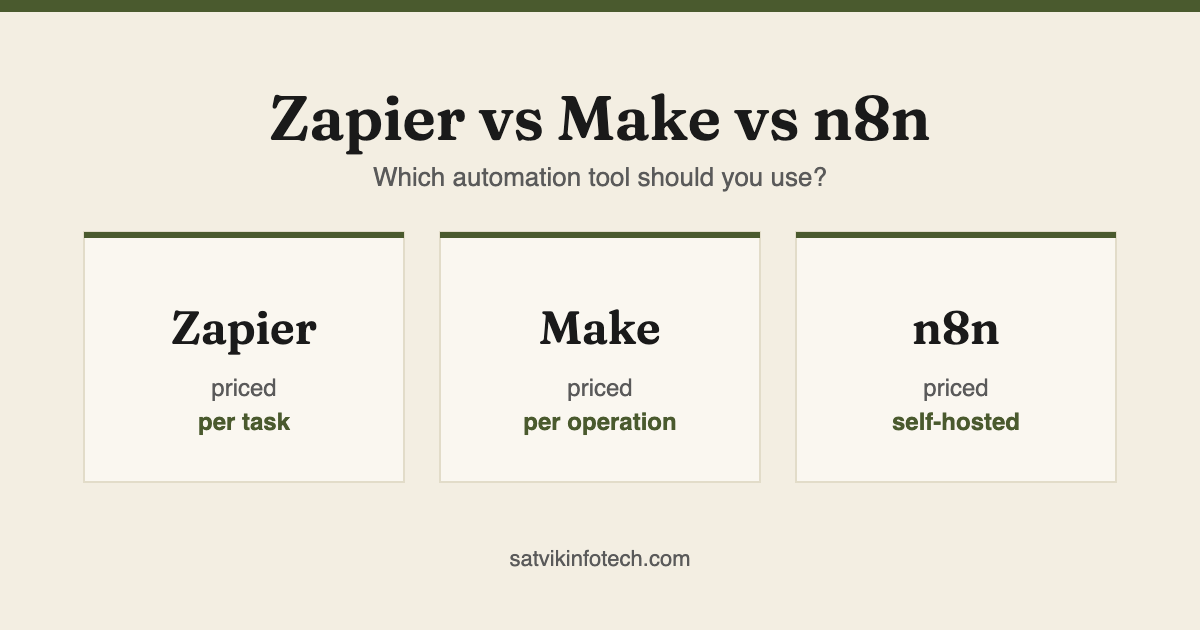
So treat the invoice as a prompt to look at the design, not as proof you have outgrown the tool. If the volume turns out to be genuinely necessary, the comparison in Zapier vs Make vs n8n is what to read next, because self-hosting changes that arithmetic completely.
What custom integration actually means
"Custom" sounds like starting again, and it rarely is. In practice it means the logic moves somewhere that can hold state, be tested, and be read by a person who was not there when it was built.
- A real datastore. One table that owns the record, with a unique key, so duplicates become impossible instead of filtered.
- Direct API calls rather than a connector, which matters whenever the connector exposes a fraction of what the API can do. That is ordinary custom API integration work.
- Error handling as part of the design: retries that back off, somewhere for what could not be processed to wait, and an alert with a name attached to it.
- Something you can test before it touches live data, which no canvas offers.
- Version history, so "what changed last Tuesday" has an answer instead of a theory.
You rarely need all five at once. The datastore is the one that pays for itself immediately, because it removes an entire class of duplicate problems in a single move rather than catching them one at a time.
Deciding which of the five you actually need is most of the value of an API integration consulting conversation, and it happens before anyone writes anything.
Occasionally the honest answer is that the workflow was standing in for a product nobody had built yet. That is a different project, and what AI-first app development means is the place to start on it.
The move is almost never a rewrite
The version we build most often leaves Zapier exactly where it is good. It stays the front door: catching the webhook, watching the inbox, posting to Slack, and making the dozen small connections that would be tedious to write by hand.
What moves is the middle. One endpoint receives the event, does the matching and the writing against a real database, and returns a result. The workflow wrapped around it gets shorter and easier to follow rather than disappearing.
That split is deliberate. The parts that change often stay somewhere a non-developer can edit them, and the parts that have to be correct move into code. Which platform hosts the no-code half is a separate question, and self-hosted n8n is frequently the middle answer because it can run code inside the workflow itself.
Where the endpoint grows a user interface, a login and a database of its own, it has stopped being an integration and become a product, which is AI app development rather than plumbing. That is a real fork in the road and worth naming before the budget is set.
How to decide this week
Open the workflow that worries you most and count three things. None of this needs a developer, and it usually settles the question in ten minutes.
- Steps that exist only to find something. Searches, lookups, "find or create" actions. Two or more is the memory signal, and it is the one that matters most.
- Delays. Any wait that was tuned until it stopped failing is a guess standing in for a confirmation, and it will fail again on a slow day.
- Rules written more than once. If changing your pricing or your routing means editing more than one workflow, that rule has no owner.
If the count points at custom work, that is where workflow automation starts, and the honest first step is deciding what the automation should do at all rather than which tool runs it. Our answers page covers what we ask before quoting any of it.
If the count says you are fine, the more useful next read is what to automate first with Zapier, or, where the messy judgement in the middle is the actual problem, what AI automation actually is rather than a bigger tool.
One thing decides more than the build itself: who watches the workflow afterwards. Whatever you move and wherever you move it to, ongoing maintenance is what stops the next silent failure lasting six weeks, and it is worth agreeing before the work starts rather than after. The five arrangements a business can end up on, and what each costs on the day, are set out in who fixes your automations when they break.
Common questions
When should you stop using Zapier?
When the workflow needs to remember something between runs. Deduplication, matching an existing record instead of creating one, resuming a run that failed halfway and any sync that goes in both directions all need state, and Zapier is deliberately stateless. Cost and step count are much weaker signals, because both are usually design problems that a rebuild would carry across unchanged.
Is custom integration more expensive than Zapier?
It has a larger one-off cost and a much smaller running cost, so which is cheaper depends on how long the workflow is going to live. The comparison people skip is the third column: the hours spent every month correcting what a workflow got wrong belong on the Zapier side of the sum. We quote the build per project, because the work depends on how many systems are involved and how well documented their APIs are.
Can Zapier prevent duplicate records?
It can reduce them, not prevent them. A search step followed by a filter catches most duplicates, but two runs starting at the same moment can both search, both find nothing, and both create. Preventing duplicates needs a unique constraint in a real datastore, and that is the single most common reason a workflow moves out of a no-code tool.
Is n8n a replacement for custom code?
It is a middle option rather than a replacement. n8n can run code inside a workflow and can be self-hosted, so it removes the per-task cost and raises the ceiling, but it is still a workflow engine: it does not give you a schema, constraints or a test suite. It suits teams who need control and lower running costs and do not yet need a service of their own.
Do we have to rebuild everything at once?
No, and we would advise against it. The usual path moves one part, the piece that has to hold state, into code and leaves the rest of the workflow where it already works. That keeps the pieces your own team can edit editable, and limits the change to the part that was actually failing.
If your workflow already lives in a CRM rather than a chain of apps, the same signals apply and the fix is usually different, which is what CRM setup and management covers.