What is actually included
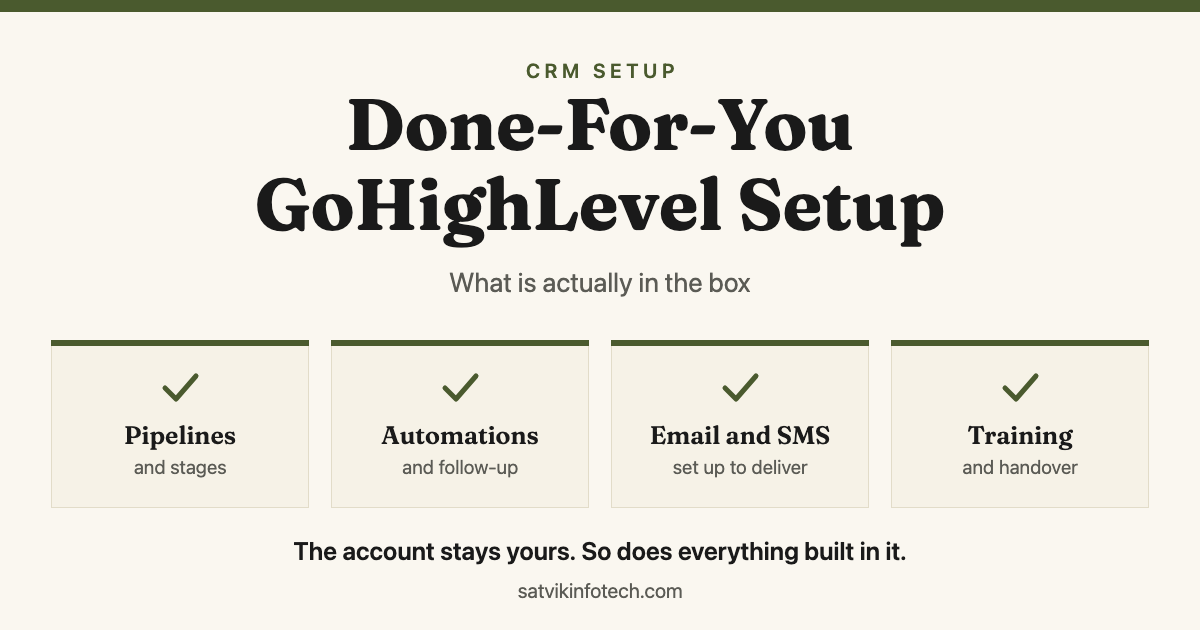
"Done-for-you" is a phrase, not a specification, and two quotes using it can describe very different amounts of work. A complete build has eight parts.
- The account structure. Users, roles, calendars, business hours and notification rules, so two people never answer the same lead and nobody is silently on call.
- Your data, cleaned before it goes in. A deduplicated import with custom fields and tags that mean something, because a contact list nobody trusts is worse than no contact list.
- Pipelines and forms. Stages named after what has actually happened, with your forms and booking calendars routed to the right owner.
- Automations and sending. The follow-up itself, plus the email authentication and phone registration that decide whether any of it arrives.
- Reporting and handover. A small dashboard you will genuinely look at, and a walkthrough that leaves your team able to change things without calling anyone.
What "done-for-you" is supposed to mean
The test is simple. After the handover, can a lead arrive, be answered, be followed up, be booked and be reported on without anybody doing something manual to make it work?
That is a higher bar than it sounds, and it is where most partial builds fall down. It is also the same bar a migration has to clear, which is why moving from HubSpot to GoHighLevel is mostly a build rather than a transfer.
A pipeline that exists but has no rule for moving deals is decoration. A follow-up sequence that sends from an unauthenticated domain is a sequence that quietly lands in spam.
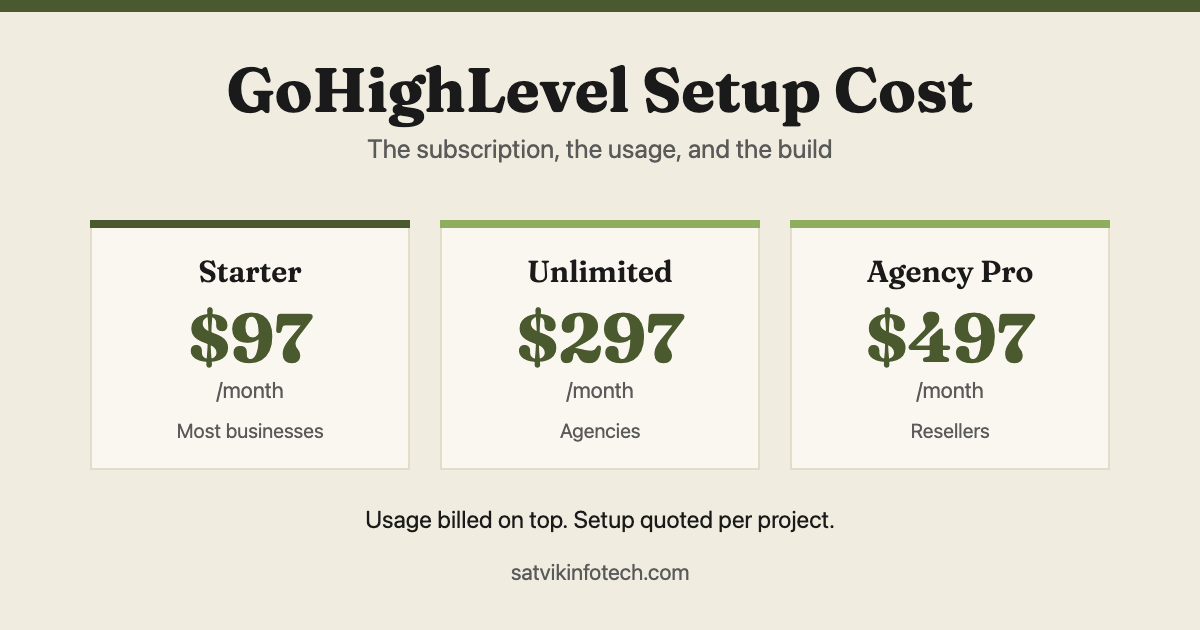
This article is about scope rather than price. If you are still working out the budget, what GoHighLevel setup costs splits the subscription, the metered usage and the one-off build into three separate bills.
The build, area by area
Here is the same list as a checklist you can hold a quote against. The right-hand column matters more than the middle one, because it says what each piece is for.
| Area | What gets configured | What it prevents |
|---|---|---|
| Account and users | Sub-account, user roles, calendars, business hours, notification rules | Two people replying to one lead, and nobody covering the weekend |
| Contacts and data | Deduplicated import, custom fields, meaningful tags, source tracking | Reporting that cannot say where your leads came from |
| Pipelines | Stages named after events, with entry and exit rules for each one | Deals parked in "hot" forever because nothing says when they move |
| Forms and booking | Website forms, calendar links, routing to the right owner | Enquiries sitting in an inbox waiting to be noticed |
| Automations | Instant reply, reminders, stalled-deal nudges, internal alerts | Follow-up that depends on somebody remembering |
| Email and SMS | SPF, DKIM and DMARC on your domain, sending numbers, A2P registration for US texts | Messages that report as sent and never arrive |
| Reporting | One dashboard covering the few numbers you will actually check | A reporting tab nobody opens after week one |
| Handover | Recorded walkthrough, written notes, admin access in your name | A system only the person who built it can change |
The email row is the one that gets cut, and it is the one that decides whether the rest works. We wrote about the same failure in a different setting in email marketing API integration, where an unauthenticated domain makes a perfectly built sequence look like a platform problem.
Snapshot, or built for you?
GoHighLevel has a feature called a snapshot, and knowing what it is will tell you a lot about any quote you receive.
HighLevel's own documentation describes a snapshot as a package of assets, including funnels, workflows and settings, that loads into a new sub-account automatically so it starts from a prebuilt setup (HighLevel support portal, checked 26 August 2026). It is a genuinely useful feature. It is also how a "setup" can be delivered in an afternoon.
| Do it yourself | Load a snapshot | Configured build | |
|---|---|---|---|
| What arrives | An empty account and the documentation | Funnels, workflows and settings from a template | The platform configured around how you sell |
| How well it fits | Exactly, eventually | As well as it fitted the business it was built for | Built from your services, stages and data |
| Where the time goes | Yours, and more of it than expected | Loading is minutes, editing what does not fit is not | Ours, plus a handful of decisions from you |
| Best when | You have time and enjoy this kind of work | You want a starting point and will happily rework it | You want it live, correct and handed over |
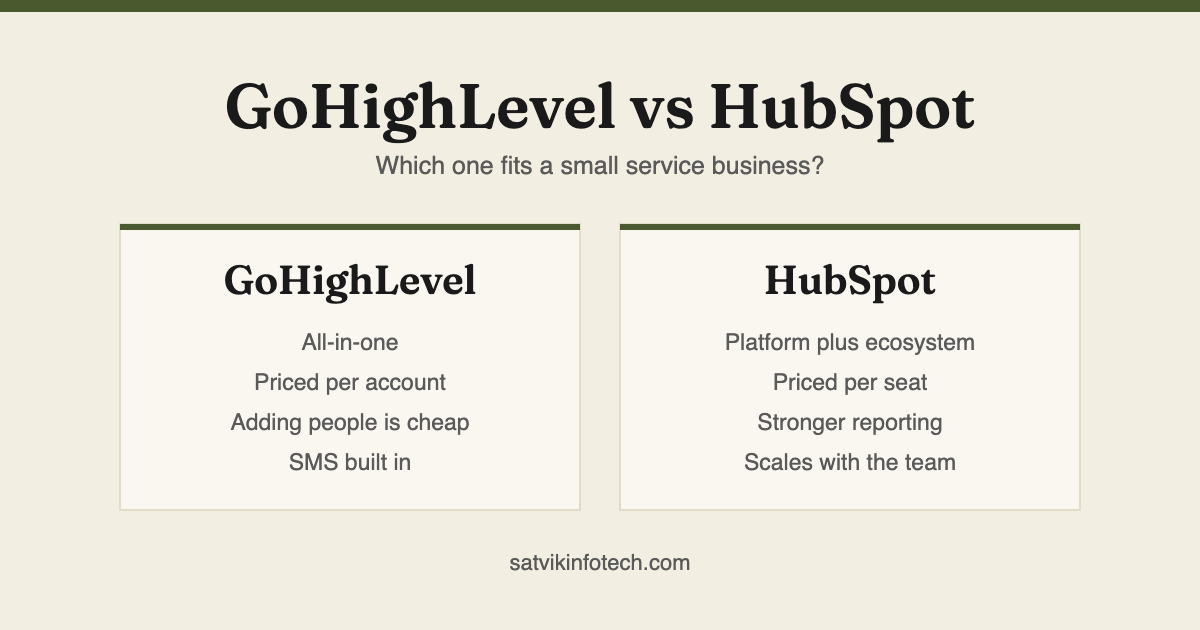
None of these is wrong. The mistake is paying build prices for a snapshot, which is why "can I see what you are starting from?" is a fair question to ask anyone quoting. Our own CRM setup and management work starts from your process rather than a template, and if the platform choice is not settled yet, GoHighLevel and HubSpot compared is the cheaper question to answer first.
What you have to supply
Done-for-you does not mean you supply nothing. It means the work sits with us and the decisions sit with you, and four things have to come from your side.
- DNS access for your domain. Email authentication cannot be completed without it, and this is the single most common reason a build waits.
- Your existing contact data. Whatever shape it is in. Messy is fine and normal, but it has to be handed over before anything can be deduplicated.
- How you actually sell. Not the tidy version. The stages a real deal goes through, including the ones nobody wrote down.
- One person who can decide. Someone who can settle a question about wording or routing the same day.
The last one is worth more to a schedule than anything technical. It is the same pattern we described in how long an AI app takes to build: waiting, not engineering, is what sets most dates.
Ownership, and the question to ask first
Before anyone touches your account, ask one question: whose agency account does this sub-account live inside, and what happens to it if we stop working together?
The answer separates an asset from a dependency. A build that only exists inside a supplier's own subscription cannot leave with you, which means changing supplier means rebuilding rather than transferring.
Our position on this is published on the answers page and it is short: the accounts are in your name, the workflows live in your platforms, and the configuration is yours. Ask any supplier the same thing, including us.
How the work is sequenced
The order matters more than people expect, because two steps involve waiting on somebody outside the project.
Domain authentication and, where US texting is involved, A2P registration are started first, on day one, even though they are not needed until the end. Both involve an approval that is not ours to grant, and starting them early means they finish in the background instead of holding up a launch.
Data cleanup runs next, because everything else is built on top of it. Pipelines, forms and automations follow, then testing with the awkward cases: someone who books and cancels, someone who fills the form twice, someone who replies STOP.
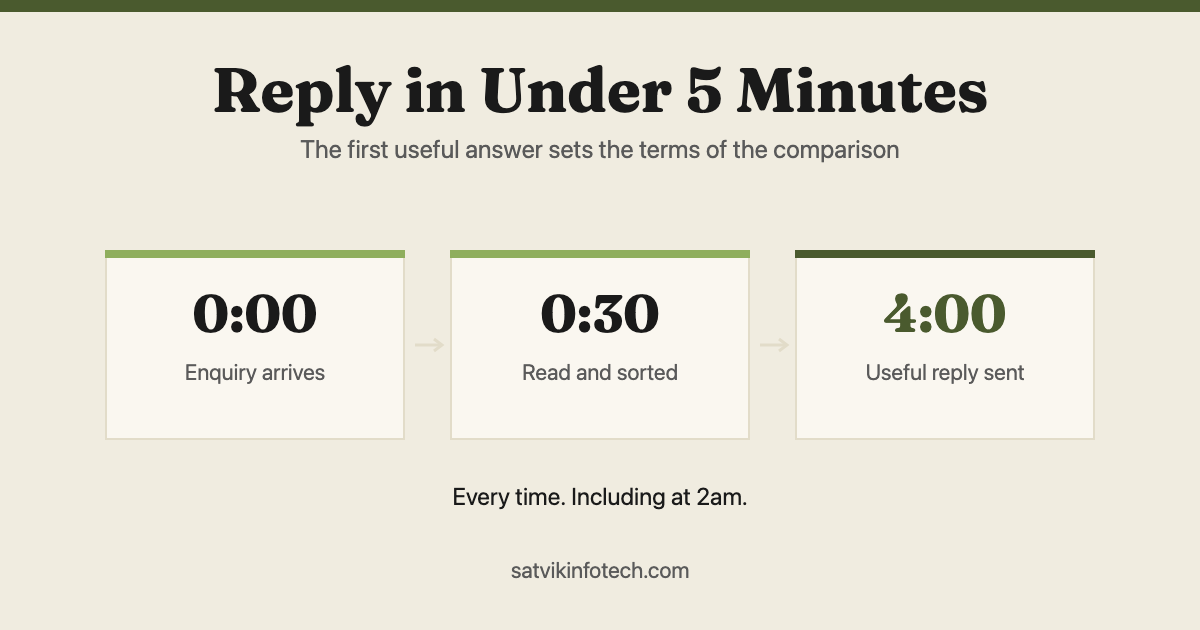
Then handover, and then the part that is genuinely never finished. A CRM drifts as your services change, which is why ongoing maintenance is part of the plan rather than an upsell, and why the automations that matter most are the ones being watched. The instant-reply piece has its own article in replying to every enquiry in under five minutes, and the wider picture is in what AI automation actually is.
If the honest answer turns out to be that you do not need a new CRM, only two systems that talk to each other, that is workflow automation and it is usually the cheaper fix.
Common questions
What is included in a done-for-you GoHighLevel setup?
A complete build covers the account and user structure, a deduplicated contact import, pipelines named after real sales stages, forms and booking calendars wired to the right owner, the follow-up automations, email and SMS sending set up so messages actually arrive, a small reporting view, and a handover that leaves your team able to change things. If any of those are missing, you have a partial build.
Is a GoHighLevel snapshot the same as a setup?
No. A snapshot is a package of funnels, workflows and settings that loads into an account in one step, which HighLevel documents as a way to spin up sub-accounts quickly. It is a starting point built around somebody else's business, so it still has to be reworked to match your services, your stages and your wording: a snapshot is a template, not a configured system.
Who owns the GoHighLevel account after the build?
You should. Ask whose agency account your sub-account sits inside and what happens to it if you stop working with that supplier. A build that only exists inside an agency's own subscription is a dependency rather than an asset, and it is the most common way businesses find they cannot leave without rebuilding.
What do we have to supply for the setup?
Access to your domain's DNS, your existing contact data, a description of how you actually sell, and one person who can make decisions. The DNS access is the one that stalls projects most often, because email authentication cannot be completed without it and everything downstream waits.
How long does a GoHighLevel setup take?
The configuration itself is usually quick. What sets the date is the data cleanup, the DNS and A2P steps that involve waiting on somebody else, and how fast decisions come back. A build with clean data and a single decision maker moves noticeably faster than one waiting on a committee.
If you want a quote you can hold against the checklist above, that is what the free call is for.