What should a small business automate first?
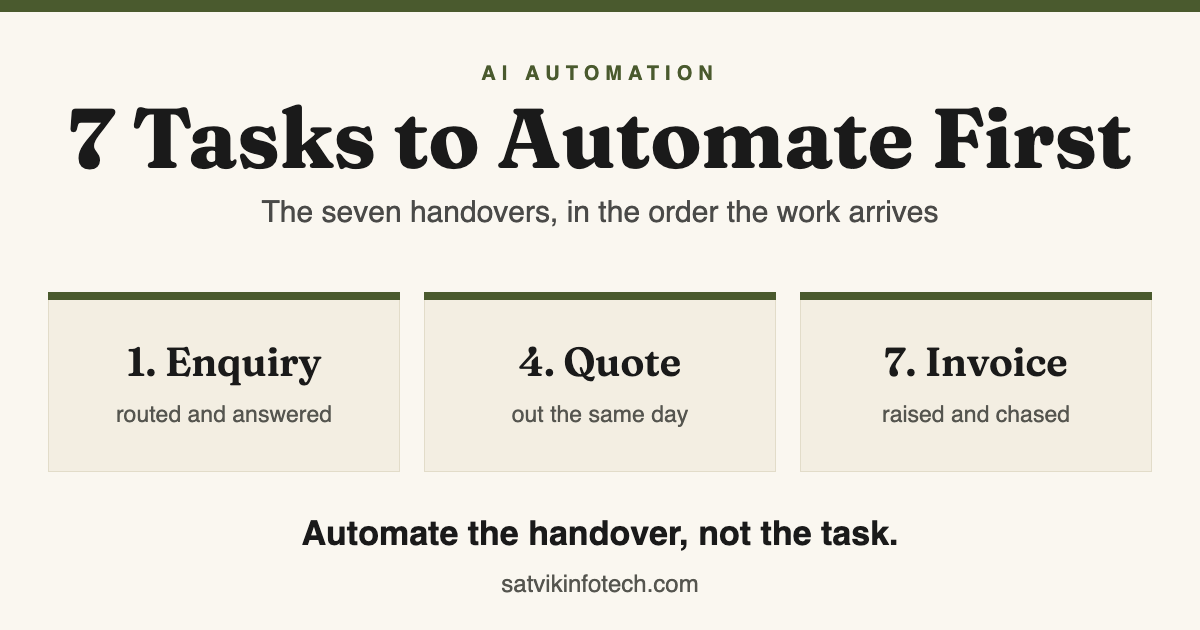
The first thing worth automating is not a task. It is a handover: the point where work passes from one person or system to the next and waits there. Nothing waits while somebody types into one app, and almost everything waits at the joins.
- Start where the enquiry arrives. Catching a new enquiry, routing it and acknowledging it with something specific is the highest-value handover in any small business, because every other step happens after it.
- Automate the handover, not the task. If work is not passing between two people or two systems, automating it usually saves minutes rather than deals.
- Do them in the order the work arrives, one at a time. Each handover feeds the next with data, so building the second on top of a first that is still wrong just spreads the mistake further.
- The eighth thing is not a task at all. Somebody has to be told when one of the seven stops running, and a workflow that fails silently is worse than the manual process it replaced.
Why the unit is a handover, not a task
Ask most owners what they would automate and the answer is a task: writing the invoice, posting to social, typing the same email again. Those are real irritations, but they are the wrong unit to plan around because a task is what one person does inside one system, and that is rarely where time is lost.
Watch an enquiry travel through a small business instead. It arrives in an inbox, waits for someone to check it, gets forwarded to whoever answers that sort of thing, waits again, gets typed into a spreadsheet, then waits for someone to remember to follow up.
The typing takes minutes. The waiting takes days, and it is the waiting that decides whether the enquiry becomes a customer.
That is why we start every plan by mapping handovers rather than tasks. It also settles arguments quickly, because a handover has two ends and you can ask both people how long the work sits between them.
The seven handovers, in the order the work arrives
These are ordered by the customer's journey, not by difficulty. That matters: a delay at the first handover pushes every later one back, so automating something further down the list first makes the queue arrive faster at a bottleneck you have not fixed yet.
| The handover | What happens now | What automating it changes |
|---|---|---|
| 1. Enquiry to a person who can answer it | It sits in a shared inbox until somebody checks, then gets forwarded | Logged, routed and acknowledged with something specific in seconds |
| 2. First reply to the second contact | One reply goes out, then nothing, because nobody owns chasing | A short sequence that stops the moment they answer |
| 3. Interest to a time in the diary | Four emails to find a slot, then a no-show nobody predicted | A link, a held slot, and reminders that make no-shows the exception |
| 4. Conversation to a written quote | The quote waits for an evening when there is time to write it | A draft assembled from what was already captured, out the same day |
| 5. Yes to signed and paid | Contract retyped by hand, deposit chased awkwardly a week later | Agreement and payment link go out together as soon as the quote is accepted |
| 6. New customer to work that can start | The same eight questions asked again over a fortnight of email | One form, one checklist, and the job created with the answers inside it |
| 7. Delivered to invoiced and paid | Invoicing happens when someone remembers; chasing happens later still | Invoice raised from the record of what was delivered, reminders on a schedule |
Read the middle column rather than the third. Six of those seven rows describe work waiting on a person to notice something, which is the failure mode automation is genuinely good at removing.
Why the first one is worth more than the other six
Handover one compounds. Everything else on the list only happens to enquiries that survived it, so a lead lost in an unchecked inbox never reaches the quote, the booking or the invoice, and no improvement further down the list can recover it.
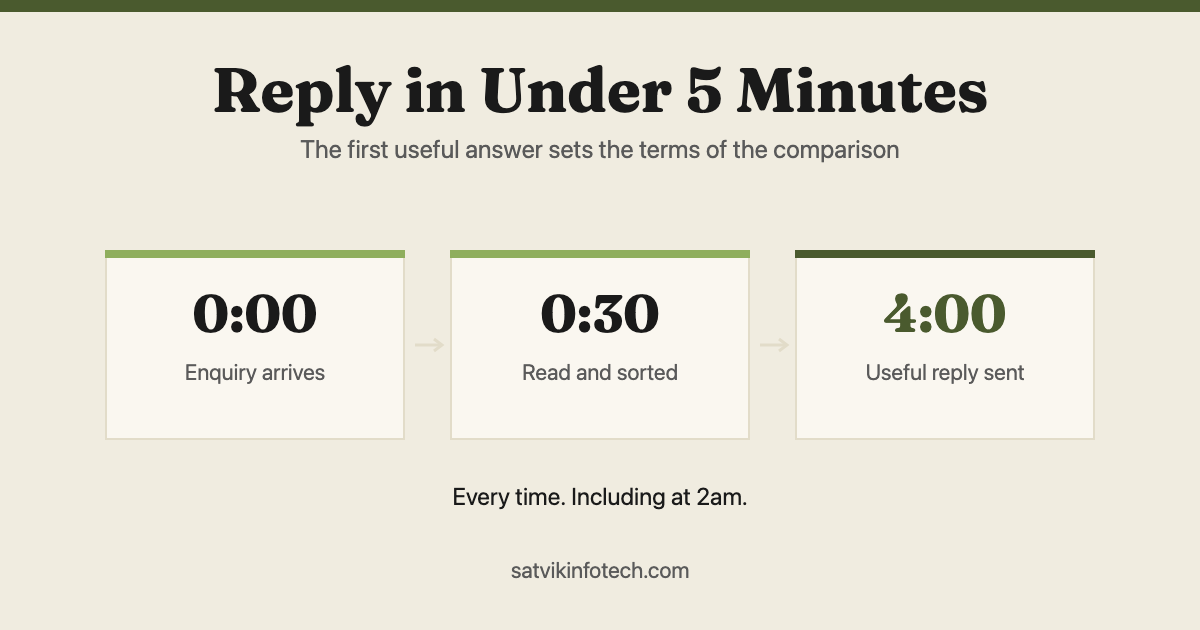
It is also the handover with the shortest useful window. Someone filling in your form is usually filling in two or three others, and the supplier who answers first gets to frame the conversation. We set out the mechanics of that in replying to every enquiry in under five minutes.
The trap is automating it badly. An instant reply that says "we have received your message and will be in touch" confirms nothing, announces a machine, and buys no goodwill at all. A useful acknowledgement repeats back what was asked, says who is picking it up, and offers a time.
Which channel the enquiry arrives through matters less than most people expect, and we argued that at length in AI chatbot vs live chat vs contact form. A form answered in two minutes beats a chat widget that cannot answer anything.
Where the middle five quietly leak money
Handovers two to six rarely fail loudly. Nobody logs the follow-up that was not sent, so the leak never appears in a report and the business concludes the enquiries were simply not serious.
Following up is the one nearly everyone under-does. A single reply and then silence is the norm in a busy small business, and the fix is a short sequence with a hard stop the moment the person answers, so it never talks over a live conversation.
Booking is a reminder problem more than a calendar problem. Most no-shows are people who meant to come and forgot, which is why the reminder schedule does more work than the booking link. The same mechanics apply to events and webinars, covered in automating event management with Zapier.
Quotes and paperwork are where speed converts. The details needed to draft a quote were already captured at handovers one and three, so most of the delay is retyping rather than deciding. Sending the agreement and the payment link together removes an entire round trip.
Onboarding is the handover customers judge you on, because it is the first thing they experience after paying. Asking for the same information twice at that moment undoes a good sales conversation faster than almost anything else.
The one most people start with, and why it is seventh
Invoicing is usually the first thing an owner asks us to automate. That is understandable: it has a number attached, the pain is felt every month, and it is the task most obviously made of copying.
It sits last here for two reasons. Invoices only exist because work was won, so fixing the front of the funnel raises the number of invoices rather than the speed of one. And invoicing depends on clean records, which handovers one, five and six are what produce.
There is also a line worth keeping. Raising the invoice, sending it and chasing it are safe to automate; reconciliation, tax filing and anything that moves money should stay in front of a person, which is the argument we make in full in automating invoicing and accounting with Zapier.
What not to automate first
These are the five candidates that come up most often in a first conversation. None of them is a bad idea; all of them are a bad first move, because they do not touch the path an enquiry takes through the business.
| The popular first choice | Why it gets picked | Why it should wait |
|---|---|---|
| Scheduling social media posts | Visible, easy, and it feels like marketing | It touches no enquiry, so nothing about it makes you answer faster |
| A reporting dashboard | It feels like getting control of the business | It reports on processes that are still manual, so it measures the mess |
| Notifications into a chat channel | It is a ten-minute build and looks instant | An alert nobody owns becomes noise, and the work still moves by hand |
| AI writing your content | It is the thing everyone is currently trying | It creates more to review, and the bottleneck is response, not volume |
| Two-way sync between every app | It sounds like the tidy end state | It is the hardest thing on the list and needs memory, so it belongs last |
The last row is worth dwelling on, because it is the one that gets attempted early and quietly causes months of trouble. A sync that has to know what it already copied needs somewhere to remember, which is exactly the boundary we describe in when Zapier is not enough.
How to pick your first one this week
You do not need a consultant to choose. Take the seven handovers above, and ask three questions about each one. The first that answers yes to all three is where to start.
- How often does it happen? Daily or several times a week is worth building for. Monthly is usually cheaper to keep doing by hand for now.
- What does it cost when it is late? A late acknowledgement can cost the whole deal. A late internal note usually costs nothing.
- Does it depend on somebody remembering? If the answer is yes, it has already failed at some point, whether or not anybody noticed.
Where the answers point at rules and routing, that is ordinary workflow automation and one of Zapier, Make or n8n will do it. Our comparison of the three covers how to choose between them in a few minutes.
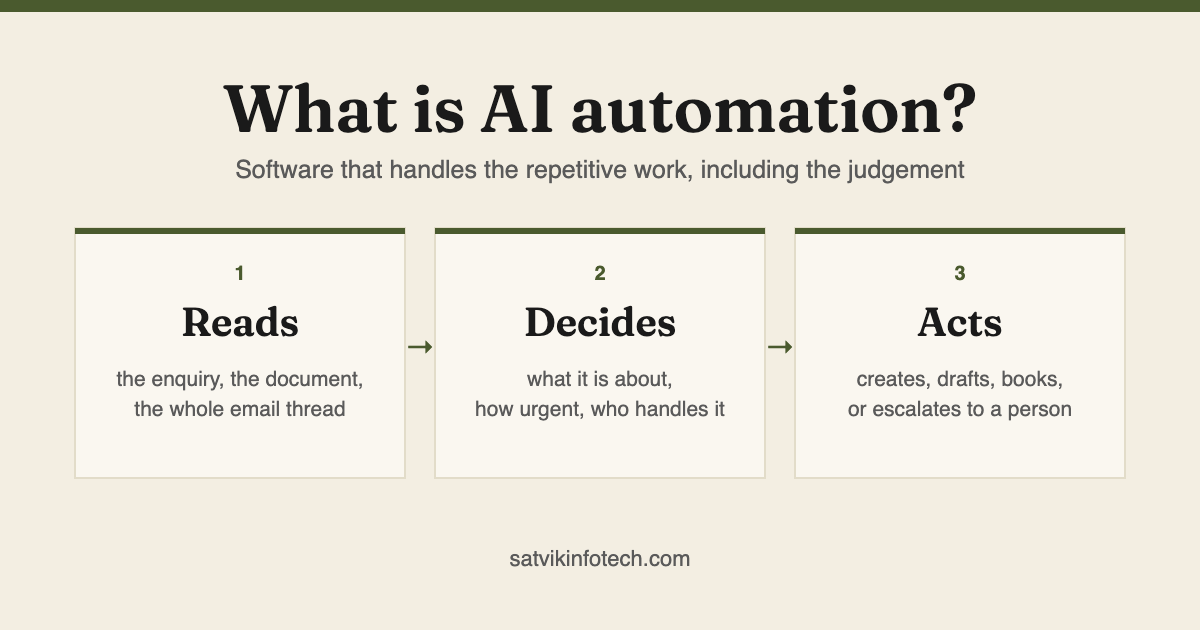
Where the answers point at judgement, reading an enquiry written in someone's own words and working out what it is about, that is the part rules cannot express and where AI automation earns its place. It is a smaller share of the work than the marketing suggests, and it is the share that makes the rest usable.
Both halves are the same project in practice, which is why our AI automation service covers the rules and the judgement together rather than selling them as separate builds.
Almost all of it lands somewhere in the end, and that somewhere is the CRM. If contact records are still spread across an inbox and a spreadsheet, CRM setup and management is the work that has to happen alongside the first handover rather than after all seven.
The eighth thing, which is not a task
Every automation on this list will stop working at some point. A connected app changes a field, a password expires, a plan limit is reached, and the workflow stops without complaining to anyone.
That is what makes silent failure the real risk rather than a bad build. A manual process fails visibly, because a person is standing in the middle of it. An automated one carries on reporting success while enquiries quietly go nowhere, and the first sign is usually a customer asking why nobody replied.
So the eighth item is an alert with a name attached to it, agreed before the build rather than after the first outage. That is what ongoing maintenance is for, and it is the cheapest part of the whole programme to get right.
The seven silent leaks worth alerting on, and how to find the ones you already have, are set out in automation mistakes that quietly lose you leads.
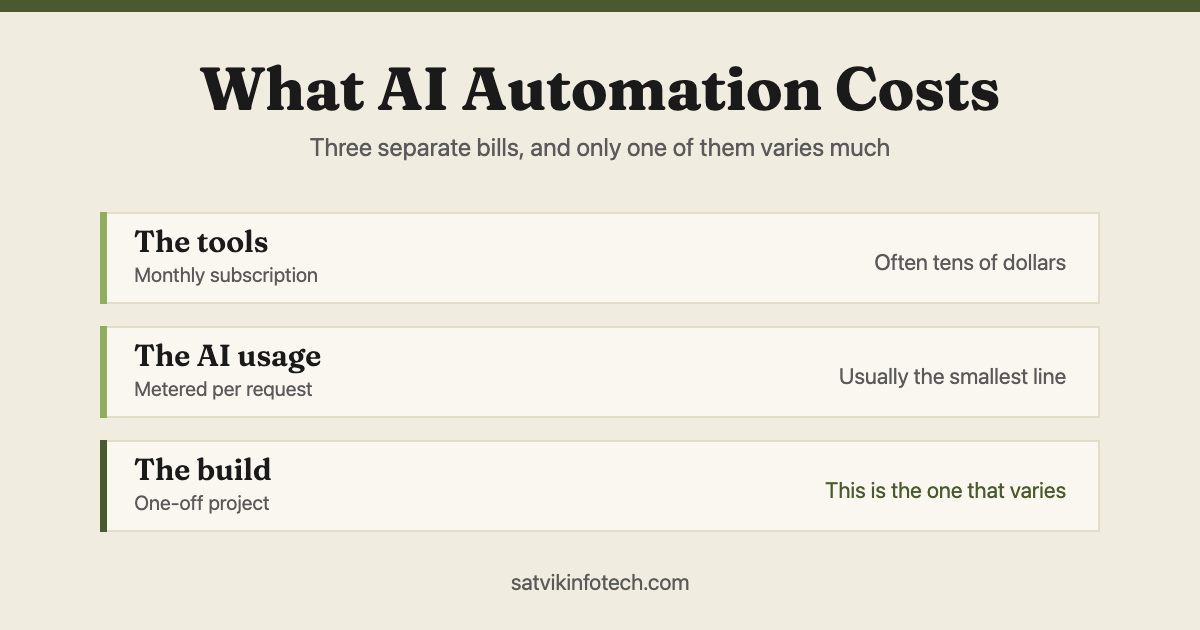
What the seven cost together is a fair next question, and it splits into three separate bills rather than one, which we work through in how much AI automation costs. The short version: the tools are usually the biggest recurring line and the AI usage the smallest.
Common questions
What should a small business automate first?
Catching a new enquiry and getting it to a person who can answer it, with an acknowledgement that tells the sender something specific. It comes first because every other step in the business happens after it, so a lead lost there never reaches the quote, the booking or the invoice. It is also the handover most likely to depend on somebody happening to check an inbox.
How many things should we automate at once?
One. Each handover feeds the next with data, so building the second one on top of a first that is still being corrected means automating the propagation of bad records. One handover live, watched for a fortnight, then the next is slower on paper and faster in practice.
Do we need AI for these, or will Zapier do?
Most of the seven are rules, and rules are what Zapier, Make and n8n are for. AI earns its place at the two points where judgement is needed: reading an enquiry written in a person's own words to work out what it is about and who should get it, and drafting a reply that refers to what was actually asked. Everything after that is routing, timing and record-keeping.
How much does it cost to automate the first few tasks?
It is three separate bills rather than one: the tools you subscribe to, the metered usage if AI is involved, and the one-off build. The tool subscriptions are usually the largest recurring line and the AI usage the smallest. We quote the build per project, because the work depends on how many systems have to be connected and how well documented they are.
What happens when one of these automations breaks?
Usually nothing visible, which is the problem. A workflow that stops running does not announce it, so the first sign is a customer asking why nobody replied. That is why every one of the seven needs an alert with a name attached to it, and why monitoring is agreed as part of the build rather than added after the first silent failure.
If you would rather see the same list answered inside one tool, Zapier integration services covers how these builds are put together in practice. What we ask before quoting any of it is set out on our answers page.