What is AI automation?
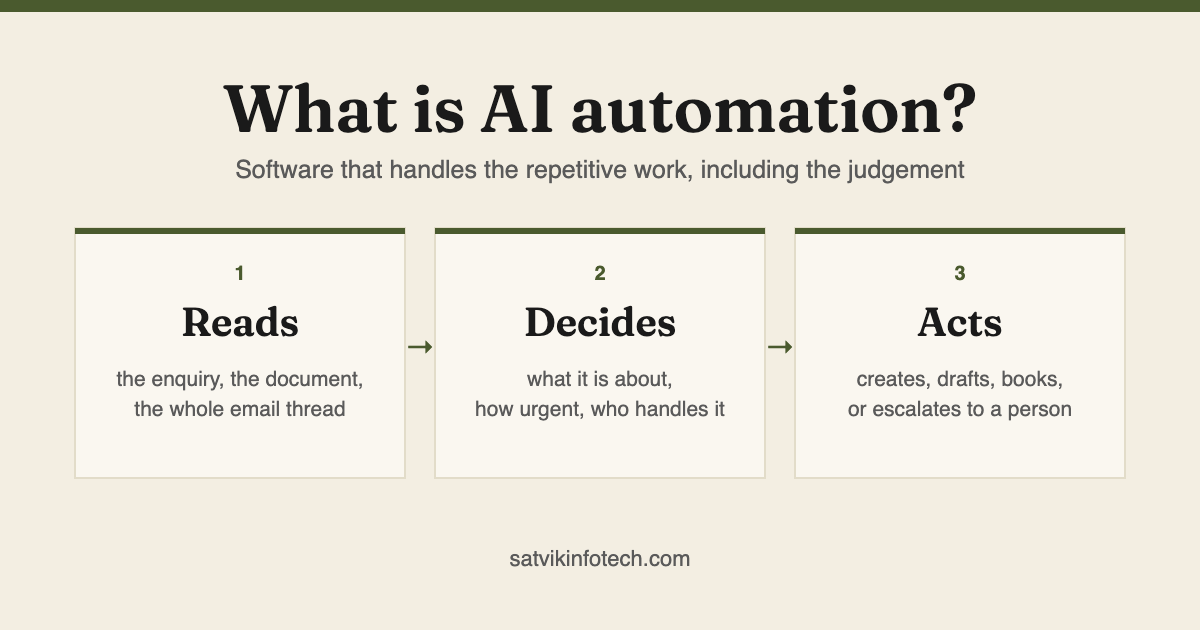
AI automation is software that carries out repetitive business work on its own, including the parts that need a bit of judgement. Ordinary automation follows rules you wrote in advance. AI automation can read something it has not seen before, work out what it is, and act sensibly.
- It reads: an enquiry, an email thread, an invoice, a form full of free text
- It decides: what this is about, how urgent it is, who should handle it
- It acts: creates the contact, drafts the reply, books the call, updates the CRM
- It escalates: anything it should not decide alone goes to a person
- What it is not: a chatbot bolted onto a website, and not a machine learning project needing years of your data
How it differs from ordinary automation
The distinction matters because it decides what you can automate at all. Rule-based automation is brilliant at moving known things between known places, and helpless the moment something arrives in a shape nobody anticipated.
| Ordinary automation | AI automation | |
|---|---|---|
| Input it can handle | Structured fields: name, email, a dropdown choice | Free text, documents, email threads, messy forms |
| How it decides | Rules you wrote in advance, applied literally | Reads the content and infers what it means |
| Unfamiliar input | Fails, or does the wrong thing confidently | Usually copes, and can be told to escalate when unsure |
| Setup | Map field to field | Describe the job and the boundaries in plain language |
| Predictability | Total, which is why it stays in charge of anything irreversible | High but not absolute, so it drafts rather than sends |
In practice the two work together rather than competing. A typical workflow is mostly deterministic with one AI step in the middle, where the judgement is needed.
What it looks like in a real business
The abstract definition is less useful than the specifics, so here is what we are actually asked to build.
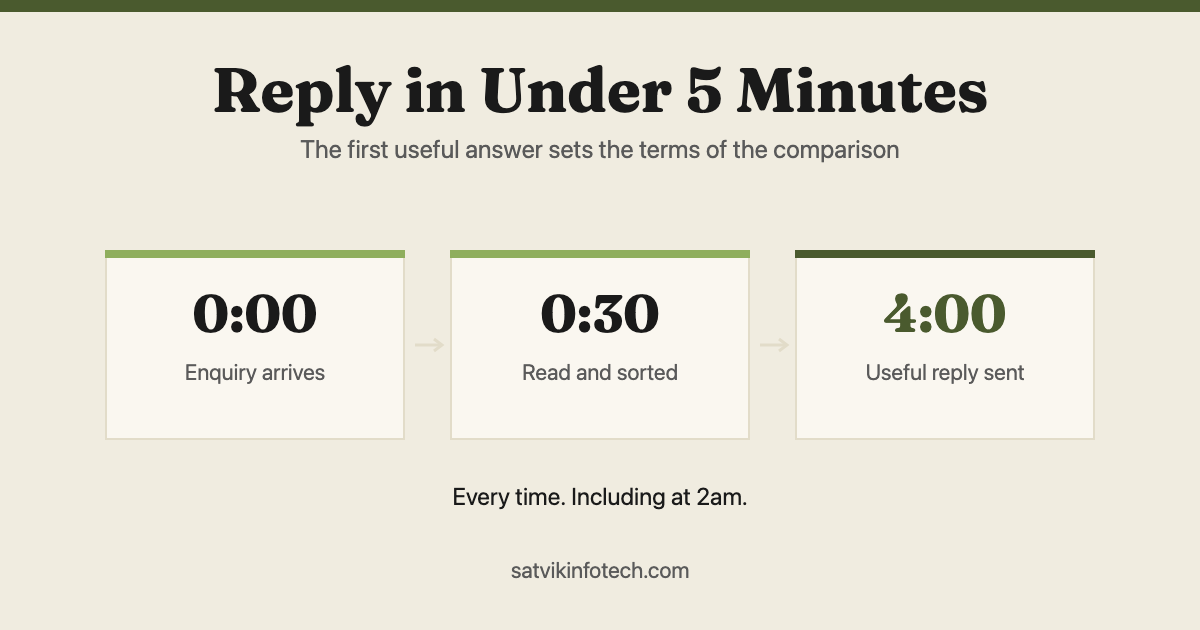
An enquiry arrives at 9pm. The system reads it, works out it is about a service you offer, replies within seconds with something relevant rather than a generic acknowledgement, creates the contact with the right tags, and books the call if the person wants one.
An invoice arrives as a PDF. The line items are pulled out without a fixed template, checked against the purchase order, and queued for approval, rather than being retyped by someone on a Tuesday.
A long email thread lands on someone's desk. It arrives with a summary and a suggested reply attached, so the person spends two minutes rather than fifteen.
Notice what these have in common: none of them is a chatbot, and all of them are work that used to wait for a human simply because it needed reading. If the chatbot is the part you are weighing up, an AI chatbot, live chat and a contact form compared takes that question on its own.
AI automation examples, by where the time goes
Every one of these is the same shape: a mostly deterministic workflow with one step in the middle that needs reading. What changes between them is which step that is.
| Where the time goes now | The step that needs judgement | What stays deterministic |
|---|---|---|
| New enquiries | Reading what the person actually wants and how urgent it is | Creating the contact, applying tags, starting the follow-up sequence |
| Support questions | Matching a question written in someone's own words to the right answer | Opening the ticket, routing by category, escalating after a set time |
| Supplier documents | Pulling line items out of a layout nobody wrote a template for | Checking totals against the purchase order and queuing for approval |
| Long email threads | Summarising the thread and drafting the reply | Sending it, which waits for a person |
| Scheduling and dispatch | Interpreting a request that does not fit the booking form | Checking the calendar, holding the slot, sending the confirmation |
Read the right-hand column and the point of the whole exercise becomes clearer. Most of every workflow stays rule-based, because rules are cheaper, faster and completely predictable. The AI earns its place in one column, and only where the input arrives in a shape nobody could have anticipated.
What AI should and should not be trusted with
This is the part most explanations skip, and it is the part that decides whether an automation is an asset or a liability.
Trust it with reading and drafting. Understanding what an enquiry is about, extracting details, summarising, suggesting a reply, sorting things into categories. If it gets one of these slightly wrong, the cost is small and visible.
Do not trust it alone with anything irreversible. Money moving, contracts going out, messages sent to customers in your name, records deleted. Those stay deterministic or wait for a person to approve them.
The reason is simple: a language model is right most of the time, not all of the time, and any supplier who tells you otherwise is selling something. The engineering is in deciding where "most of the time" is good enough.
What AI automation is actually built with
There is no single AI automation product you buy, which is why the shopping stage confuses people. What exists is three layers, and most builds use all three.
- The model. A general-purpose language model from a provider, called over an API. You are renting an existing model rather than training one, which is why there is no dataset requirement and no infrastructure project.
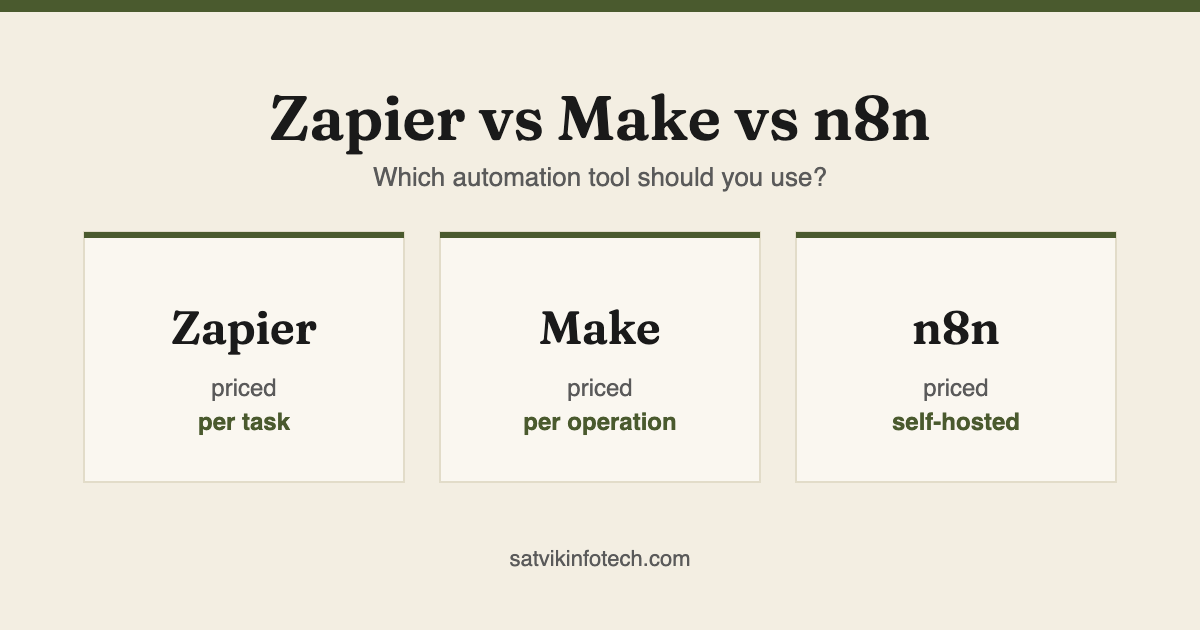
- The workflow around it. Usually Zapier, Make or n8n, sometimes custom code where the logic outgrows what a workflow tool can hold. This layer is the majority of the build, and almost all of it is deterministic.
- The system of record. Wherever the result has to land and stay: a CRM in most cases, an accounting tool or a document store in others.
The choice that matters most is the middle one, because it decides what the automation can do as it grows. Zapier, Make and n8n compared works through that decision, and when Zapier is not enough covers the point at which the simplest of the three stops being the right answer.
The third layer is the one that quietly decides whether any of this is worth doing. An automation writing into a CRM nobody maintains produces tidy records nobody reads, which is why CRM setup and management tends to come first in practice.
What you need before you start
Less than people expect. You are not training a model on your data, you are using one that already exists and giving it your context, so there is no minimum dataset and no infrastructure project.
What genuinely helps is a clear description of the work that is eating your time, access to the tools involved, and somewhere sensible for the output to land. If enquiries currently arrive in a shared inbox and go nowhere, fix that first with CRM setup, because automating into a mess produces a faster mess. If you have not picked a CRM yet, start with GoHighLevel vs HubSpot.
What you do not need is a specification, a budget figure, or the vocabulary. Most people arrive describing a symptom, and working backwards from the symptom is the job.
What it costs and how long it takes
We quote per project after a free call, because the honest answer depends on how many steps you want automated and how many systems have to talk to each other. A single workflow is a small piece of work; a rebuilt sales process across a CRM, a calendar and an invoicing tool is not.
Most first automations are live within days rather than months. We deliberately start with one that removes a real bottleneck, prove it, then build outward. Where the job is a whole product rather than a workflow, how long an AI app takes to build explains why the engineering is rarely what sets the date.
Which bottleneck to take first is a question in its own right, and the order matters more than the tool you pick. The seven tasks worth automating first works through them in the order the work arrives.
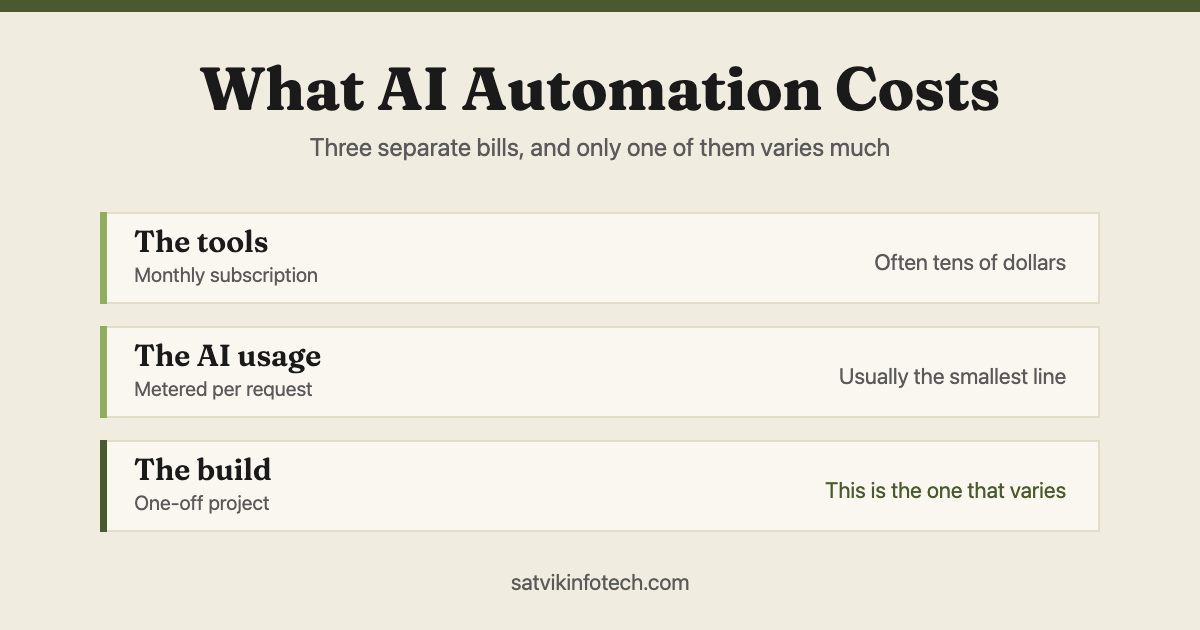
Two costs sit outside our fee and catch people out: the platforms bill you directly, and most of them meter usage, so text messages, calls and AI steps are charged on top of the subscription. What AI automation costs splits the whole thing into three separate bills and explains why the AI usage is almost always the smallest of them, and what a GoHighLevel setup costs does the same for the CRM underneath it. More on that on our answers page.
When you do not need AI automation
We would rather say this before you spend anything, because the wrong answer here is expensive and the right one is often cheaper than what you were expecting to pay.
When the input is already structured. If the work arrives as fields in a form and goes into fields in another system, there is nothing to interpret. That is ordinary workflow automation and it is faster, cheaper and completely predictable.
When the task happens rarely. Frequency is what makes automation pay. Something done twice a month is usually better documented than automated.
When nobody can say what the right answer looks like. If two people in your business would handle the same enquiry differently and neither is wrong, the process is a judgement call that has not been made yet. Automating it just makes the disagreement faster.
When the real problem is upstream. Enquiries getting lost is sometimes a routing problem, not a reading problem. The automation mistakes that quietly lose you leads covers the version of this where the workflow runs, reports success, and still drops the lead.
Where to start
With the handover that happens most often, not the one that takes longest. Frequency is what makes automation pay, and a task done forty times a week teaches you more in a fortnight than one done quarterly teaches you in a year.
For most businesses that is what happens when a new enquiry arrives. It runs constantly, the result is easy to check, and replying in seconds rather than the next morning is the change that most reliably turns traffic you already have into booked calls. Replying to every enquiry in under five minutes is that one automation on its own, including the reason most instant replies make things worse rather than better.
If your systems mostly need connecting rather than any judgement, you may not need AI at all: workflow automation gets there faster and cheaper, and our comparison of Zapier, Make and n8n covers the tools. If you want to try building something yourself first, start with the step-by-step Zapier guide.
When the judgement is the job rather than one step of it, that is AI automation, and it is what we build most. Before you build anything, it is worth settling who fixes your automations when they break, because that answer decides how long the first failure lasts.
Where the judgement is the whole product rather than a step in your existing process, you are looking at a build instead, and what AI-first app development means sets out the test that tells the two apart.
AI automation questions, answered
Is AI automation the same as a chatbot?
A chatbot is one thing AI automation can produce, not the whole of it. Most of the value is in work nobody sees: reading an enquiry and routing it, pulling details out of a document, drafting a reply for approval, keeping the CRM current. A chatbot is the visible tip of that.
Will it replace my staff?
In our experience it replaces the parts of their jobs they dislike: retyping, chasing, copying between systems. The judgement, the relationships and the awkward exceptions stay with people. If a role is entirely retyping, that changes, and it is worth being honest with yourself about that before starting.
Do I need a lot of data to use AI automation?
No, and this is the most common misconception. You are not training a model, you are using one that already exists and giving it your context. A business with no data infrastructure at all can have a useful automation running in days.
What if the AI makes a mistake in front of a customer?
That is a design decision, not an accident waiting to happen. We keep AI on reading and drafting, and anything irreversible either stays deterministic or waits for a person to approve it. Nothing is sent to a customer on a model's judgement alone unless you have explicitly decided it should be.
How is this different from what Zapier already does?
Zapier moves data between apps according to rules you set. It cannot read an email and work out what someone is asking for. AI automation adds that judgement, often as one step inside a Zapier or Make workflow rather than as a separate system.
What tools are used to build AI automation?
A model from a provider, called over an API, sitting inside a workflow built in Zapier, Make, n8n or custom code, writing into whatever system you already keep records in. There is no single product called AI automation, which is why comparing vendors rarely settles anything. The decision that matters is which workflow tool the automation lives in, because that is what sets the ceiling on what it can grow into.
Can AI automation work with the CRM I already have?
Usually, yes. Anything with a reasonable API can be read from and written to, which covers GoHighLevel, HubSpot, Keap, ActiveCampaign and most others. The question worth asking first is not whether it connects but whether the CRM is currently maintained, because automating into records nobody keeps current produces more records nobody keeps current.