Who is responsible when an automation breaks?
Whoever holds the logins, receives the alert, and has the authority to change the workflow. In most small businesses those three things sit with three different people, or with nobody in particular, which is why the real answer at handover is usually some version of "we will sort it out when it happens".
That is a decision, even when nobody makes it deliberately. These are the five arrangements a business can actually be on:
- The person who built it. Works while they are still around and still replying. It ends without notice.
- Someone in-house. Works when they hold the accounts and have the time. Rarely works when the automation was their side project.
- The original freelancer or agency, on request. They can fix it, but they are not watching, so your clock starts when you notice.
- A maintenance arrangement. Someone is watching, so the clock starts when it breaks rather than when it is spotted.
- Nobody. The default, and the one most businesses are on without ever having chosen it.
The delay is almost never the repair
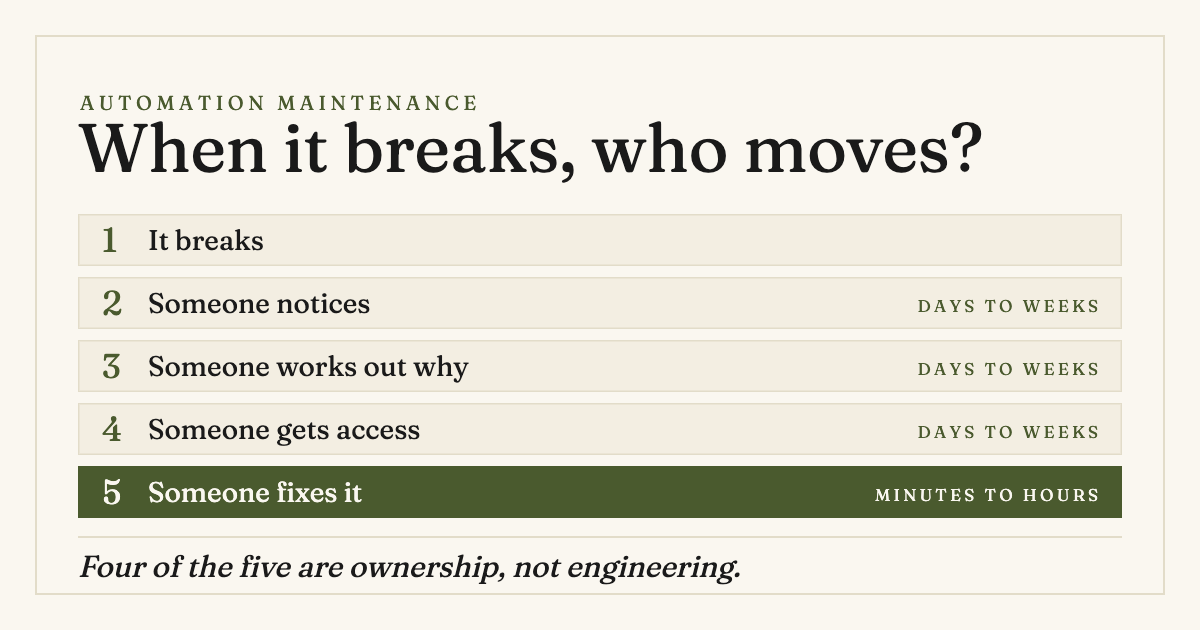
When an automation stops doing its job, the cost is measured in the gap between the failure and the fix. It is tempting to read that gap as a technical problem, because the last step in it is technical. Almost none of the elapsed time is.
A broken workflow moves through five stages, and only the last one is engineering:
- It breaks. A connection drops, a field disappears, a quota runs out.
- Someone notices. Either an alert fires, or a person eventually asks why the enquiries went quiet.
- Someone works out why. Which of the eleven things that run in your business stopped, and what it was feeding.
- Someone gets access. The automation account, and the accounts it connects to, which are frequently in a former employee's name.
- Someone fixes it. Usually the shortest step by a wide margin.
Stages two, three and four are all ownership questions. They are answered by who was told, who keeps a record of what runs, and whose name is on the accounts. Stage five is the only one that needs a developer, and it is normally the work of an afternoon.
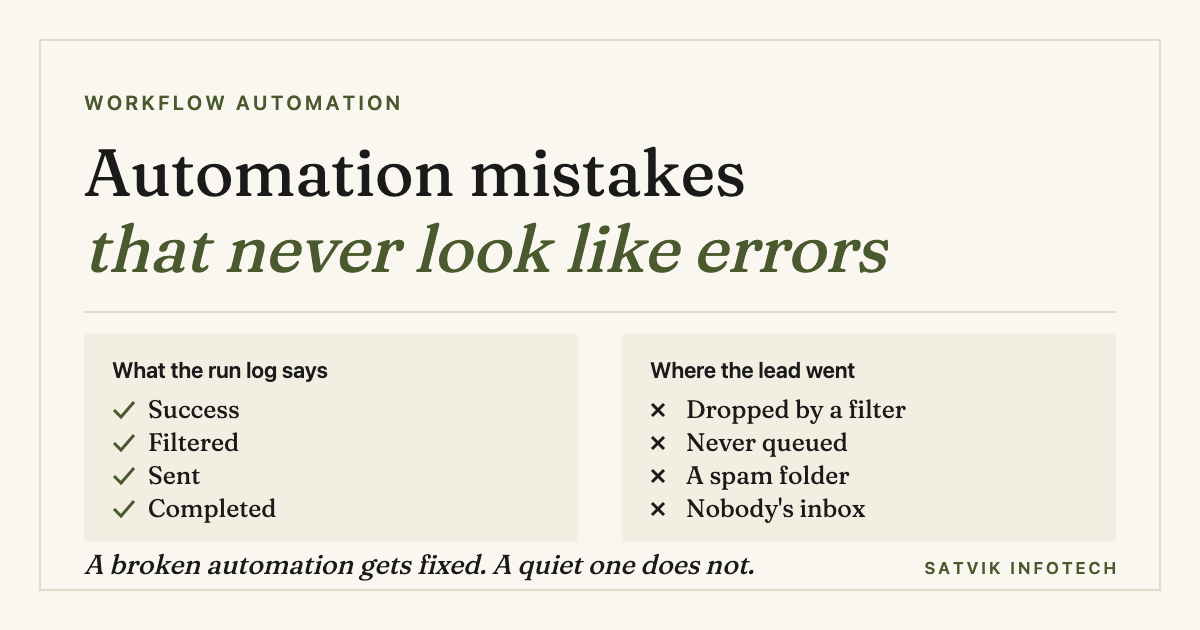
Detecting the break at all is its own problem, and a harder one than it sounds, because a failed run is loud while a successful run that did nothing is silent. That case is covered in full in the automation mistakes that quietly lose you leads, which argues for alerting on absence rather than on errors. This article assumes you find out somehow, and asks what happens next.
The five owners, and what each one actually costs you
The table below is the same five arrangements from the top of this article, compared on the things that decide how long stage two through stage four take. Cost is deliberately not a column: the expensive one is usually the arrangement that looks free.
| Arrangement | Who notices | Who holds the logins | When they are unavailable | Best when |
|---|---|---|---|---|
| The person who built it | Nobody, until a person complains | Usually them, often in their own name | Nothing happens at all | Never, as a long-term answer |
| Someone in-house | Them, if they think to look | The business, if it was set up properly | It waits for their return | You have a technical person with real capacity |
| Builder on request | You, eventually | Split between you and them | You wait, and pay for the diagnosis again | The automation is convenience, not revenue |
| Maintenance arrangement | Monitoring, usually before a customer does | The business, with documented access | Cover is part of the arrangement | Lost leads or stalled work cost real money |
| Nobody | A customer, or a quiet month in sales | Unknown until someone checks | Permanent | The automation genuinely does not matter |
The row worth sitting with is the third. Keeping the builder on call feels like the sensible middle option, and for a low-stakes workflow it is. The catch is that it only shortens stage five, the step that was already short, while leaving stages two, three and four exactly where they were.
What actually breaks, and who can fix each one
"Who fixes it" reads as a question about developers. In practice a third of the answers are about billing or about a business decision, and hiring a technical person does not help with those at all.
| What broke | What you see | Who can fix it | What they need first |
|---|---|---|---|
| A credential expired | The connection shows as disconnected | Anyone with the connected app's login | The account it connects to, not the automation tool |
| An API version changed | Runs fail, or succeed with fields empty | Whoever maintains the workflow | Access, plus the vendor's change notes |
| A plan limit was hit | Everything stops partway through the month | The person who pays the bill | A decision about the plan, not a repair |
| A CRM field was renamed | Records still save, with the value missing | Whoever renamed it, plus a maintainer | To know the change happened at all |
| A vendor deprecated an action | A working step is suddenly unavailable | A maintainer, ideally months earlier | Someone reading the vendor's notices |
| The process changed | Nothing. It runs perfectly and is now wrong | The business owner, with a developer | A decision about what it should do now |
Two of those six are not repairs. A plan limit is a purchasing decision and a changed process is a business decision, and both arrive looking exactly like a technical fault. That is the argument for a maintenance arrangement that includes reporting rather than only repairs: someone has to notice that the automation is still doing last year's job correctly.
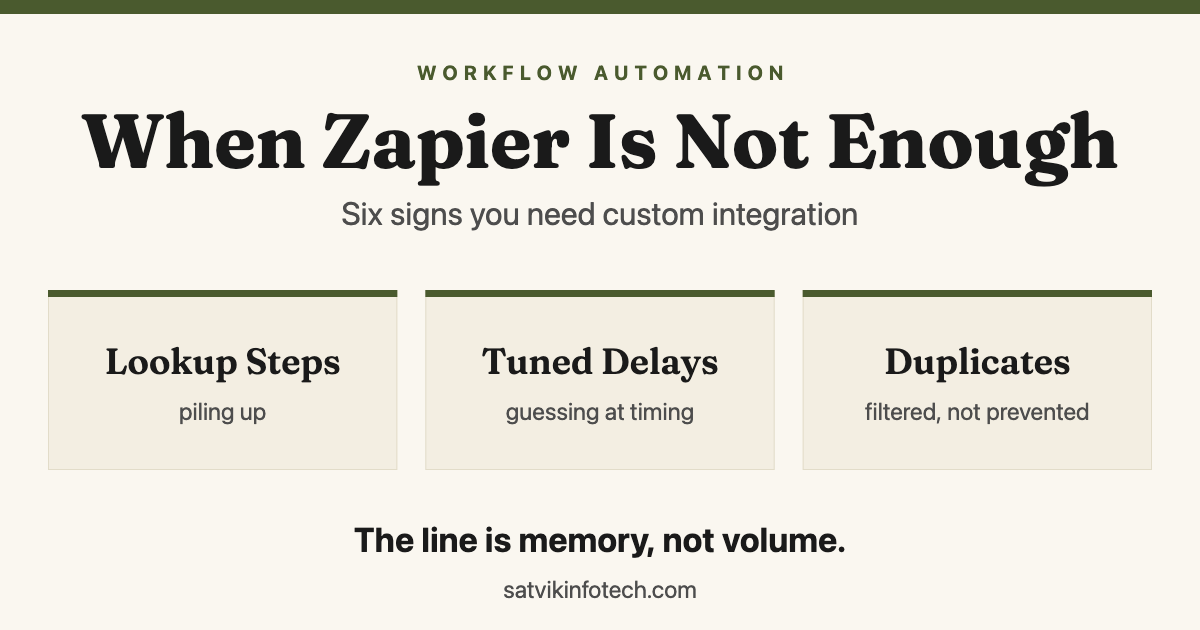
The last row is also the one that quietly grows. Automations drift out of step with a business at the speed the business changes, which is why the workflow automation work we do is scoped with review built in rather than delivered and closed. If the drift has already gone far enough that the tool itself is the constraint, the signs that you have outgrown Zapier is the better read.
Five things to settle before you need them
None of these are technical, all of them are cheap, and each one removes a stage from the timeline above. They are worth doing whoever ends up maintaining the system.
- Put every account in the company's name. The automation platform, and every app it connects to. This is the single most common reason a fifteen-minute repair waits a week.
- Keep a one-page inventory. What runs, what triggers it, what it touches, roughly what it costs. It does not need to be elegant. It needs to exist somewhere other than in one person's head.
- Alert on absence, not only on errors. An alert when the enquiry workflow has not run in twenty-four hours catches the failures that never raise one.
- Name one internal person who gets told. Even when the fix is external, somebody inside the business has to be the one who knows a fix is in progress.
- Write down what counts as broken. Which failures justify interrupting someone, and who makes that call. Doing this in advance is much easier than doing it at 6pm on a Friday.
If your systems run through a CRM, most of this collapses into one job, because the CRM is where the record of what happened lives. That is part of why our CRM setup and management work starts with access and ownership rather than with features, and why a platform move is worth planning carefully: what actually moves in a HubSpot to GoHighLevel migration goes through the same ground.
When you do not need a maintenance arrangement
Plenty of automations do not warrant one, and saying so is more useful than selling one to everybody. Skip it when all three of these are true.
- The failure is loud. If it breaking means an obvious error in front of a person that same day, you already have your monitoring.
- The work is recoverable. Nothing is lost by doing it by hand for a fortnight, and no customer sees the difference.
- Someone in-house genuinely owns it. They built it, they hold the accounts, and the time is in their job rather than in their goodwill.
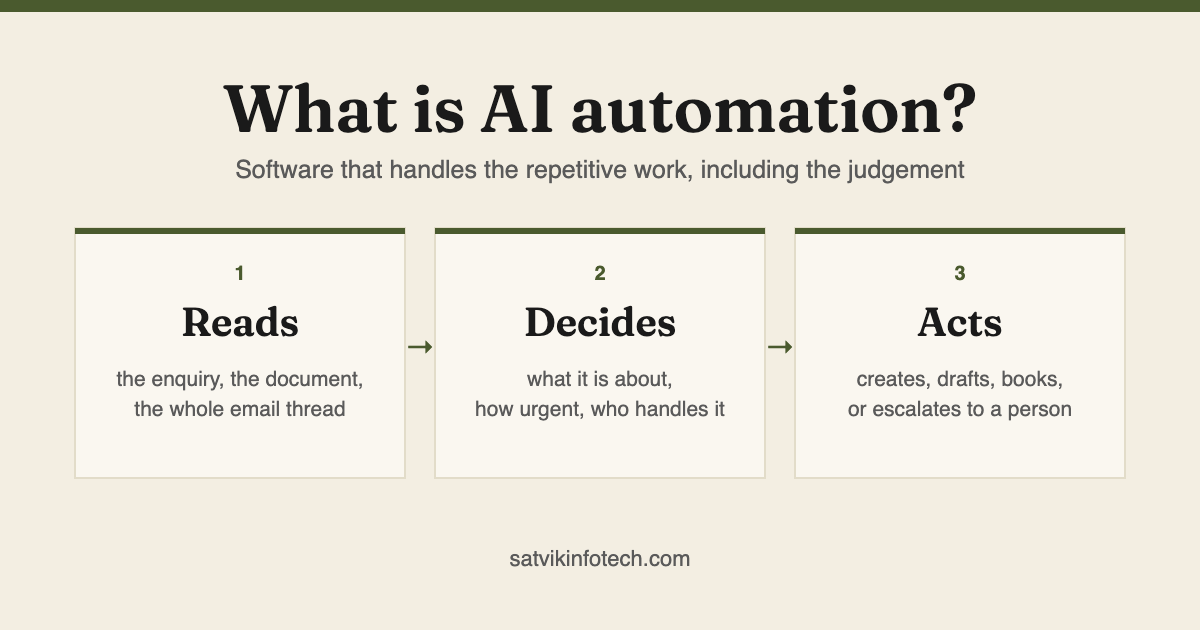
It matters when any one of those flips. An automation that sits on the path between an enquiry and a salesperson is revenue infrastructure, and the case for watching it is the same as the case for building it: it is described in plain terms in our plain-English guide to AI automation, and in what happens when nobody replies fast enough. An inherited system with no owner is the other clear case, and by far the most common one we are called about.
How we take over a system we did not build
Most of the maintenance work we do starts with somebody else's automations. The person who set them up has moved on, the documentation is a spreadsheet with three rows, and nobody left in the business is willing to touch anything in case the rest of it stops.
The sequence is the same every time, and the first step is the one that matters:
- Audit what exists. Every automation, whoever built it, recorded with what it does, what it touches and what looks fragile. An audit of an inherited system usually completes within a week.
- Fix and stabilise. Repair the breakages, add real error handling and alerting, and remove the steps that quietly do nothing.
- Monitor, report, improve. Continuous monitoring with plain-English reporting, and small refinements as the process moves.
Scope is agreed up front, frequency is matched to how critical the systems are, and there are no lock-in contracts. Pricing is quoted per project rather than off a rate card, because an audit of four workflows and an audit of forty are not the same job. The rest of what we do sits on the ongoing maintenance page, and the way we size automation work generally is set out in what AI automation costs.
One thing we will not do is quote a repair before the audit. Choosing between platforms after a rescue is a separate conversation, and Zapier against Make against n8n is the honest comparison we would walk you through, usually alongside the wider AI automation picture.
Common questions
Should the agency that built our automations also maintain them?
Usually yes, but on a defined arrangement rather than an understanding. The builder already knows the system, which removes the diagnosis step entirely. The failure mode is leaving it informal: an agency that is available on request is not watching, so you still absorb the whole delay between the break and the moment you notice it.
Can we maintain our automations ourselves?
Yes, if one named person holds the accounts and has the time in their job description rather than in their goodwill. Most in-house arrangements fail on the second condition, not the first. What makes it work is the boring part: an inventory of what runs, alerts that fire when a workflow goes quiet, and a written note of who is told.
What happens if the person who built our automations has left?
The first job is access, not repair. Accounts in a former employee's name are the most common reason a system cannot be maintained at all, and recovering them is usually a matter of days with the platform's support rather than something a developer can shortcut. Once access exists, an inherited system is audited, documented and stabilised before anyone changes how it behaves.
How much does automation maintenance cost?
It is quoted per project, because the figure follows how many automations there are, what they connect to and how critical they are. What sets it is the scope agreed up front rather than a rate card, and there are no lock-in contracts. An audit of an inherited system is normally the first piece of work and completes within a week.
Do you maintain automations you did not build?
Yes, and it is a large part of the work. We adopt systems built by other agencies, freelancers or former employees: audit them, document them in plain English, repair the fragile parts, and then run them going forward. That covers AI agents, GoHighLevel, HubSpot, Keap and ActiveCampaign setups, and Zapier, Make and n8n workflows.
If the question underneath this one is whether your current setup is worth keeping at all, the buyer questions we get asked most often are answered on our answers page, and the fastest route to a straight opinion is to tell us what is running and let us look at it.