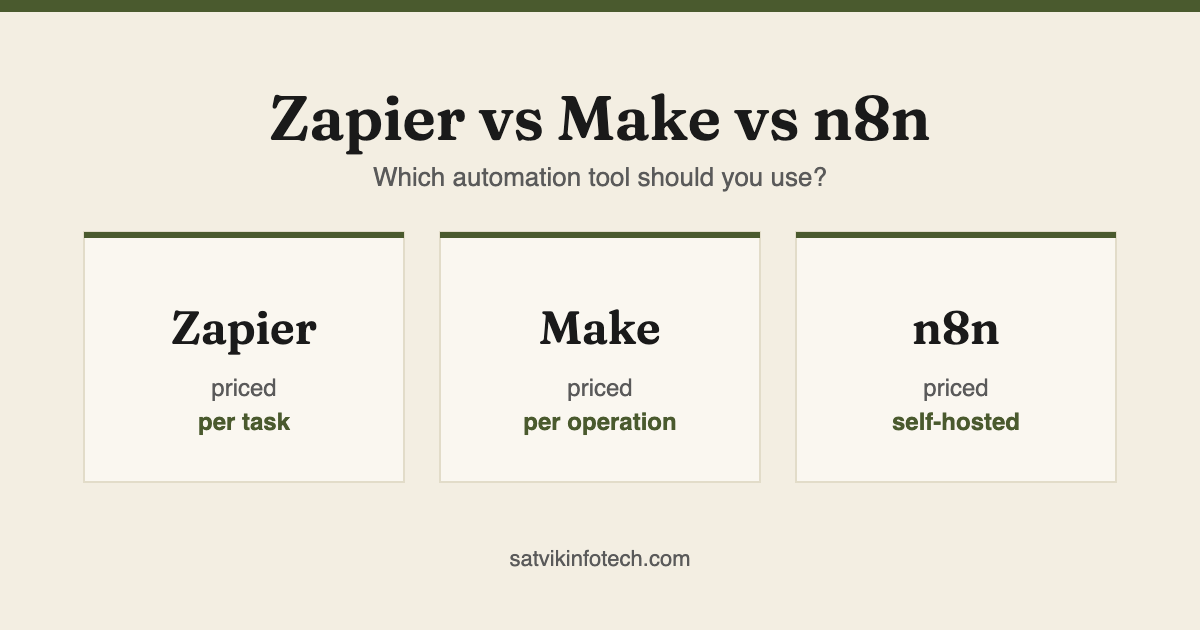
Which automation tool should you use?
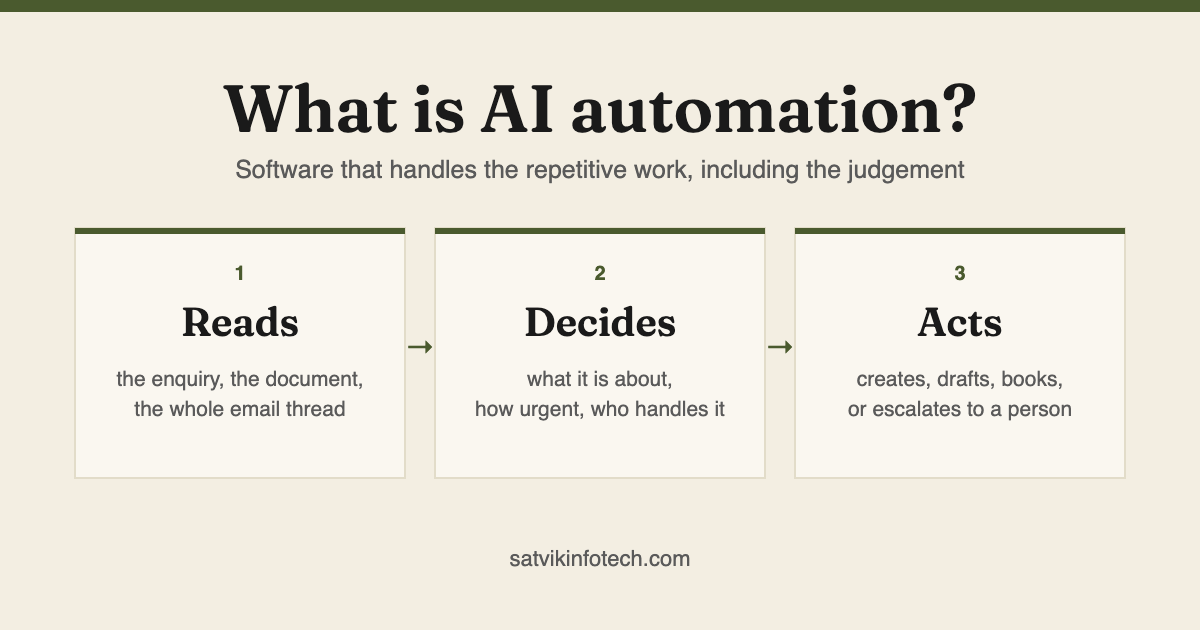
All three connect the same kinds of applications, and all three can call an AI model. If the AI part is new to you, start with what AI automation actually is. What separates them is how they are priced, how much complexity they tolerate before becoming unreadable, and who has to maintain them.
- Choose Zapier if you want connections that work today and would rather not think about them again. The largest app directory of the three, the gentlest learning curve, priced per task.
- Choose Make if your process branches, loops, or moves enough data that per-task pricing starts to hurt. A visual canvas showing the whole flow at once, priced per operation.
- Choose n8n if you need to self-host, keep data on your own servers, or run custom code inside a workflow. Open source, priced per execution on its cloud.
- The honest answer: most small businesses should start on Zapier and move only when a specific limit bites. We build on all three as part of workflow automation.
How the three actually differ
Every comparison of these tools eventually says "it depends". This is what it actually depends on.
| Zapier | Make | n8n | |
|---|---|---|---|
| Billed by | Tasks: one per action a workflow performs | Operations: smaller units, but far more included | Workflow executions on its cloud, or nothing but hosting if you self-host |
| Builder | A step-by-step list, easiest to learn | A visual canvas showing the whole flow at once | A node canvas, closer to a developer tool |
| Branching and loops | Possible, but gets unwieldy quickly | Its strongest suit | Handled, and you can drop into code when it is easier |
| Custom code | Limited code steps | Supported, secondary to the visual builder | First class: JavaScript or Python inside the workflow |
| Self-hosting | No | No | Yes, which is the main reason people choose it |
| App directory | The largest of the three by a wide margin | Large, and covers most mainstream tools | Smaller, offset by generic HTTP and code nodes |
| Who maintains it | The vendor | The vendor | The vendor on cloud, you if you self-host |
Most of these workflows finish at a CRM, which is where CRM setup and management takes over. Choosing between the main two is covered in GoHighLevel vs HubSpot.
Notice what is not in that table: reliability. All three are dependable enough for business use. Workflows break because an application at one end changed, not because the automation tool failed.
When Zapier is the right call
Zapier is the default for a reason. It connects more applications than the other two, the builder makes sense to someone who has never automated anything, and a working connection can exist in an afternoon.
It suits linear work: a form is submitted, so create the contact, send the acknowledgement, notify the team. That covers a great deal of what a small business actually needs, and there is no prize for using something more complicated. A worked example is automating invoicing and accounting.
Where it strains is volume and complexity. Task-based pricing means a workflow that fires constantly gets expensive, and once a process has several conditional branches the step list becomes hard to follow. We cover what a build involves in Zapier integration services.
When Make is the right call
Make shows the whole process on one canvas, which changes how it feels to work on something complicated. When a process splits three ways depending on the answer, you can see the shape of it rather than reading down a list.
It handles iteration properly too: processing every line of an order, every attachment on an email, every row of a spreadsheet. Doing that in Zapier is possible but awkward. The same applies once a workflow needs to speak to something with no ready-made connector, which becomes custom API integration.
The trade-off is a steeper start. The canvas that makes complex work clearer also makes simple work look more intimidating than it is.
When n8n is the right call
n8n is the one you choose for reasons that are usually not about features. It can be self-hosted, so the data never leaves infrastructure you control, which matters for some industries and some clients' contracts.
It also treats code as a normal part of a workflow rather than an escape hatch, so a transformation that would need three awkward steps elsewhere becomes four lines.
The cost is ownership. Self-hosting means you run it, update it and notice when it stops. That is fine with technical capacity in-house or someone contracted to watch it, and a poor idea without either.
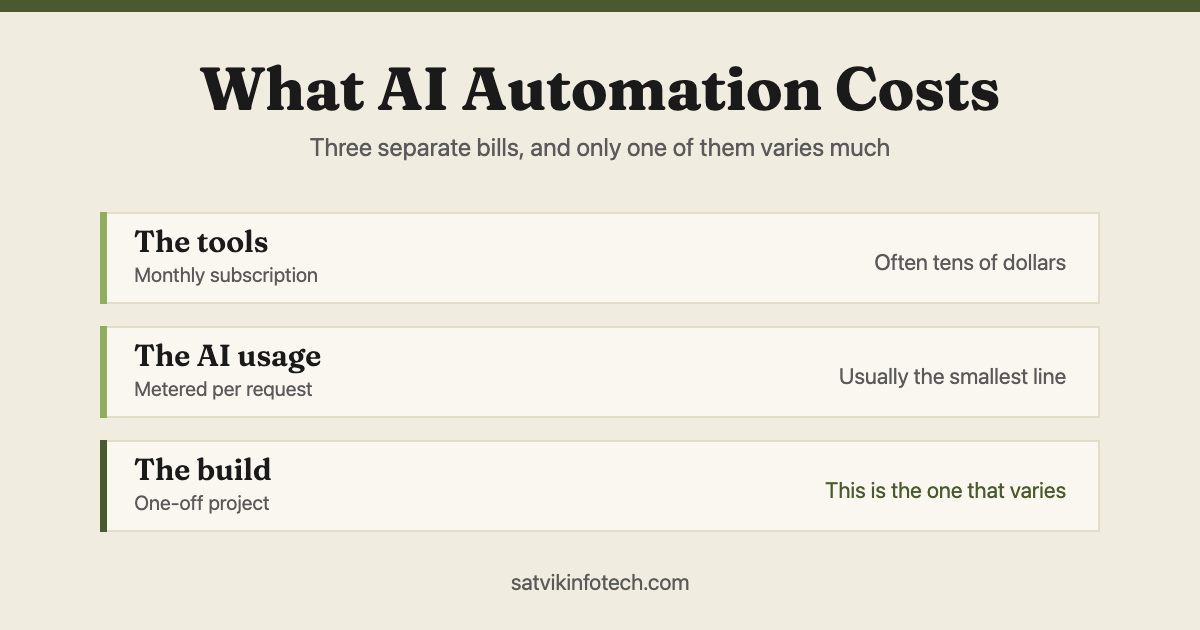
How the pricing works, and why it surprises people
The three meter different things, which is why comparing headline prices tells you almost nothing.
Zapier counts tasks, one per action performed. Make counts operations, which are smaller but far more numerous in each plan. n8n's cloud counts whole workflow executions regardless of how many steps run inside.
That last difference is the one people miss. A workflow with twenty steps costs twenty tasks in Zapier and one execution in n8n. For a heavy multi-step process the gap is enormous; for a two-step connection it is irrelevant.
The practical approach is to estimate how often each workflow will really run, multiply it out on each tool's own billing unit, and only then look at plan prices. We do that before building anything, and flag any workflow that will be expensive to run before it exists rather than after the first invoice.
Choosing in five minutes
Work down this list and stop at the first line that describes you.
- Data cannot leave your servers. n8n, self-hosted. The decision is made for you.
- You need custom code inside the workflow. n8n, or Make if the code is minor.
- The process branches heavily or loops over lists. Make.
- It will run thousands of times a month. Make or n8n, on the billing maths above.
- Your app is obscure. Check Zapier's directory first, it has the widest coverage.
- None of the above. Zapier, and get on with running your business.
Most businesses land on the last line, and that is the correct outcome rather than a compromise. If that is you, the step-by-step guide to your first Zap is the next thing to read.
Can you switch later?
Yes, and it is less painful than people fear, because none of these tools holds your data. They move information between systems that already own it, so migrating means rebuilding the logic, not extracting a database.
What makes it painful is undocumented workflows. If nobody knows what a workflow does or why a filter is set the way it is, rebuilding means rediscovering decisions someone made two years ago.
So the useful protection is not choosing perfectly on day one. It is writing down what each workflow does, which is part of how we hand over anything we build and part of ongoing maintenance.
The switch that is genuinely different is the one out of no-code altogether, because that is a change of shape rather than of vendor. When Zapier is not enough covers the six signs that a workflow has reached it.
What we would actually do for you
We work across all three, which is a deliberate choice rather than a boast: it means the tool gets picked for the job instead of the job being bent to fit the tool we happen to sell.
In practice most first builds go on Zapier, because the fastest useful automation beats the theoretically optimal one. Where volume, branching or hosting rules that out, we say so before starting. That work is workflow automation, and where the job needs judgement rather than plumbing it becomes AI automation.
Whichever of the three you land on, the failures worth designing against are the quiet ones, which we go through in automation mistakes that quietly lose you leads, and the question of who fixes your automations when they break matters more than the tool you pick. More on what things cost and how long they take is on our answers page.
Read next: How much does GoHighLevel setup cost?
Read next: How much does AI automation cost?
Zapier, Make and n8n questions, answered
Is Make cheaper than Zapier?
Usually at volume, though not always, because the two meter different things. Zapier counts tasks, meaning each action a workflow performs. Make counts operations, which are smaller units, but its plans include far more of them.
For a handful of low-volume workflows the difference rarely matters; for something firing thousands of times a month it can decide the whole budget. Model your real volume against both before committing.
Is n8n really free?
The self-hosted version is free to run under a fair-code licence, but free is not the same as no cost. You are paying in server hosting, updates, monitoring and someone's time when it breaks at an inconvenient moment.
n8n also sells a cloud version priced by workflow executions if you would rather not run infrastructure. Self-hosting makes sense when you have the technical capacity or when data has to stay on your own servers.
Which one is best for AI workflows?
All three can call an AI model, so the tool matters less than the design. n8n gives the most control because you can run custom code beside the AI step, Make handles branching cleanly when the AI's answer decides what happens next, and Zapier is the quickest to get something live. Where the judgement is the whole job rather than one step, none of them is the right shape and you want a purpose-built AI automation build instead.
Do I have to choose just one?
No, and plenty of businesses run two. A common pattern is Zapier for simple, reliable connections that nobody wants to think about, with Make or n8n carrying the heavy or unusual processes. The cost of running two tools is usually smaller than the cost of forcing everything through one that does not fit.
What happens if the tool changes its pricing?
It happens, and it is the main argument for keeping your workflow logic documented rather than only living inside a vendor's interface. If you know what each workflow does and why, moving it is annoying rather than catastrophic. If nobody has written it down, you are locked in by ignorance rather than by technology.