Why do automations lose leads without ever failing?
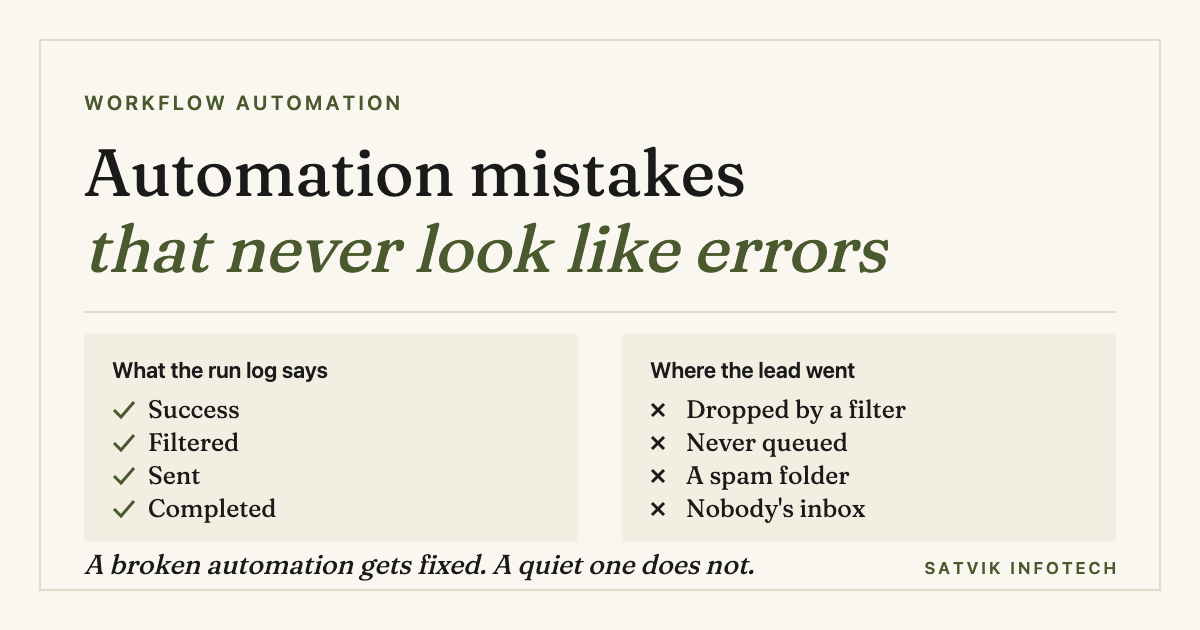
Because a lead is almost never lost by an automation that breaks. A break is loud: it produces an error, somebody gets an email, and it is fixed that afternoon. Leads are lost by automations that succeed, where every step reports that it did exactly what it was told and the enquiry still ends up nowhere.
- Stopping on purpose looks like working. A condition that halts a run is doing its job, so it is recorded as handled rather than failed, even when the condition itself is now wrong.
- Monitoring watches for errors, not for silence. Nothing in a normal setup notices that no enquiry has arrived since Tuesday, which is exactly what a broken form looks like from the inside.
- The inputs change, the automation does not. A renamed form field, a new pipeline stage or a departed colleague quietly changes what your workflow is reading, and none of those edits happen inside the automation tool.
- Sent is not read, and created is not owned. A reply can send perfectly into a spam folder, and a record can be created perfectly with nobody assigned to act on it.
The failure that reports success
Automation tools are built to tell you when something went wrong. That is the right instinct and it covers the easy half of the problem. An API that times out, a credential that expires, an account that hits its plan limit: all of these raise an error, and the error is the thing that gets the attention.
The expensive failures are the other kind. They are runs that completed, steps that returned a green tick, messages that were accepted by a mail server. Read the history and the week looks healthy.
What makes them expensive is not that they are hard to fix. Most take minutes. It is that nothing tells you they are happening, so they run for months, and by the time somebody notices, the enquiries they swallowed are long past caring.
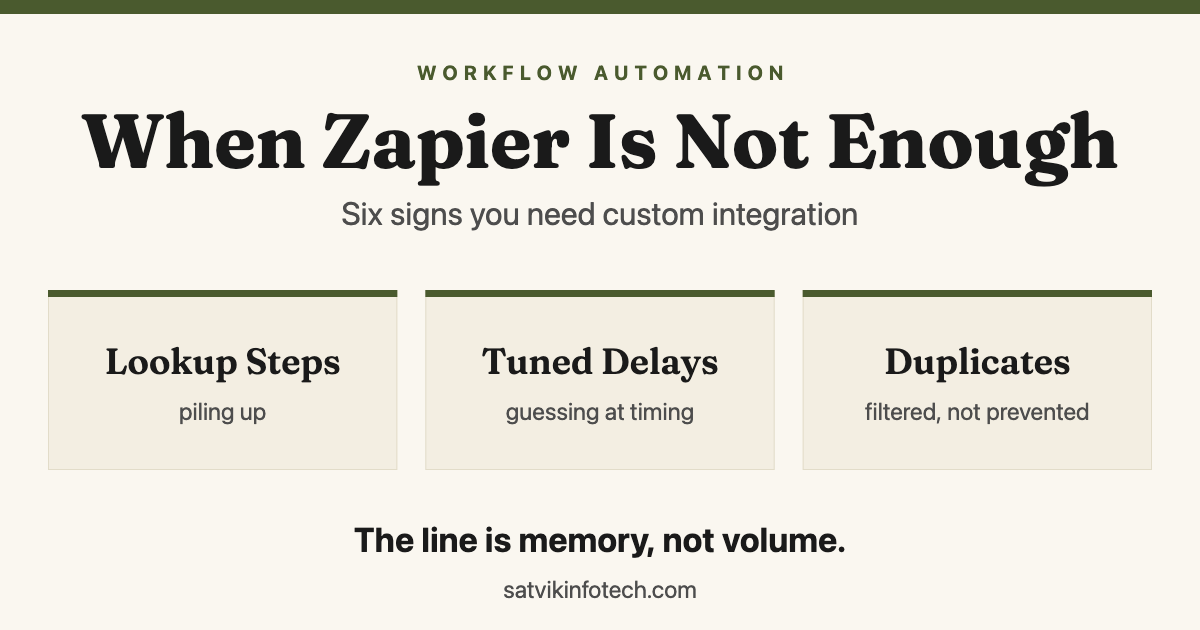
This is a different problem from outgrowing your tool. If your automation genuinely cannot do what you need any more, that is the subject of when Zapier is not enough. What follows is about workflows that are well within what the tool can do and are still leaking.
Seven places a lead disappears
Every one of these is something we have found in a working account that nobody believed had a problem. The middle column is what the automation reported at the time.
| The mistake | What the run history showed | Where the enquiry ended up |
|---|---|---|
| A filter whose condition is now wrong | Run halted at the filter, recorded as handled | Dropped, with no record anywhere |
| A form field that was renamed | Success, with a blank value passed through | Created without an email address |
| Deduplication matching an old record | Success, contact updated | Merged into a closed deal nobody reopens |
| The automatic reply landing in spam | Email sent, accepted by the receiving server | A junk folder, and the sender assumes silence |
| A task assigned to someone who left | Task created and assigned successfully | A queue with no living owner |
| A reminder scheduled in the wrong timezone | Scheduled, then sent on time | Delivered at three in the morning |
| The form itself failing to submit | Nothing at all, because nothing ran | Never left the visitor's browser |
Read the last row again, because it is the worst one and the least discussed. When the trigger never fires, there is no run to inspect, no error to receive and no entry in any log you are in the habit of checking.
The only evidence is a number that is lower than it should be, in a report nobody compares against anything. That is why the audit further down starts by counting the same week from two different places.
The filter that was only doing its job
Filters are the single most common place we find leads going missing, and the reason is worth understanding rather than just avoiding.
A filter exists to stop a run when its conditions are not met. When it stops one, it has succeeded. There is no sensible way for a tool to distinguish between a filter that correctly skipped an internal test submission and a filter that wrongly skipped a real customer, because from inside the workflow those two look identical.
So the filter is never at fault. What goes wrong is that the condition was written against the world as it was on the day it was written, and the world moved.
The classic version is a condition on a dropdown. Somebody adds a new service option to the website form six months later, the filter still lists the original four, and every enquiry choosing the new option is silently discarded. Nobody edited the automation, so nobody thinks to look at it.
Two habits make this survivable. Write filters as exclusions rather than inclusions wherever you can, so an unrecognised value passes through instead of being dropped. And when an inclusion list is genuinely necessary, add a branch that catches everything else and sends it to a human, which converts a silent drop into a visible oddity.
Nobody alerts on nothing happening
Standard monitoring answers the question "did anything break?" The question that protects your pipeline is "did the thing I expect still happen?" Those catch different failures, and almost every business has only the first one switched on.
| Failure | Caught by error alerts? | Caught by absence alerts? |
|---|---|---|
| API credentials expired | Yes, immediately | Yes, once the gap is long enough |
| Plan limit reached mid-month | Yes | Yes |
| Filter silently discarding real leads | No | Yes, if you count what arrives at the end |
| Website form broken by a plugin update | No | Yes, and this is the one that pays for it |
| Field renamed, blank value passed on | No | Yes, with a check for empty required fields |
| Reply delivered into a spam folder | No | No, this one needs its own test |
An absence alert is not sophisticated. It is a scheduled job that asks a question on a timer and complains when the answer is wrong: no new enquiries in six working hours, any lead still unowned after sixty minutes, any contact created today with no email address.
Set the window from your own normal, not from a round number. If a quiet Tuesday genuinely produces two enquiries, a six-hour silence is worth a message; if your quiet week is two enquiries in total, the same alert is noise and will be muted within a fortnight.
The same principle applies to integrations you have built rather than clicked together, where designing for failure is part of the build. We go through that in more detail in how a custom API integration is actually built, and keeping these checks running is the everyday content of ongoing maintenance. An alert only helps if it reaches somebody who can act on it, which is the separate question of who fixes your automations when they break.
The field somebody renamed
Automations read fields by name. Nothing warns you when a name changes, because renaming a field on your website is a website job, and the automation is somewhere else entirely.
That drift is worst where the form and the CRM are looked after by different people. Connecting WordPress to a CRM sets out what is worth sending at the moment of submission, which leaves less to drift later.
What follows a rename is usually not an error. The step asks for a value that no longer exists, gets nothing, and passes an empty string on to the next step, which dutifully creates a contact with a blank phone number or an unnamed record.
That is worse than a failure, because a failure would have stopped and shouted. Instead you get a CRM slowly filling with records that look almost right and cannot be followed up.
The defensive move is a required-fields check as the first step after the trigger. If email or name is empty, do not continue quietly: route it to a human and mark it. It is a few minutes of work that turns an invisible corruption into an obvious one.
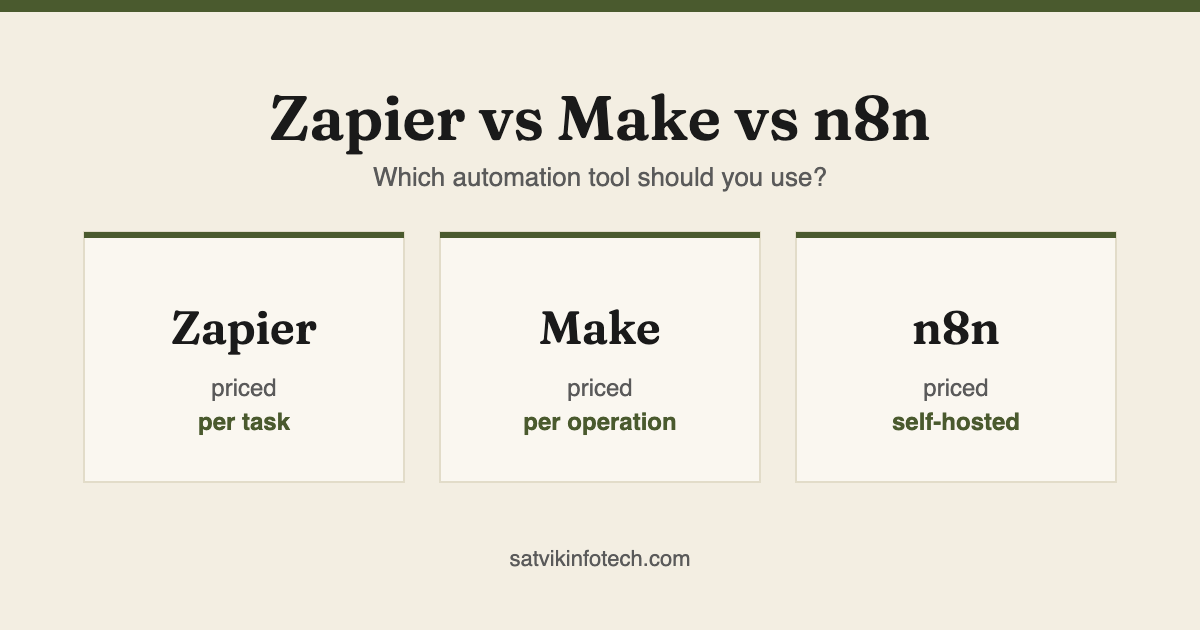
This is also the argument for keeping the number of tools between the form and the CRM small. Every hop is another place a name can drift, which is part of why choosing the right platform matters more than it looks, as we set out in Zapier vs Make vs n8n.
The handover with no owner
The last leak is not technical at all. An automation finishes its job, hands the lead to a person, and stops. If that person is a role rather than a name, or a shared inbox rather than an individual, the lead has arrived somewhere that nobody is accountable for.
Automations are excellent at creating work and indifferent to whether it is done. A task assigned to a departed colleague is created successfully every single time.
So assign to a real person, and add a second automation that escalates when the first one's output is not acted on within a set time. An unowned lead after an hour is a fact your system can check; whether anybody felt responsible is not.
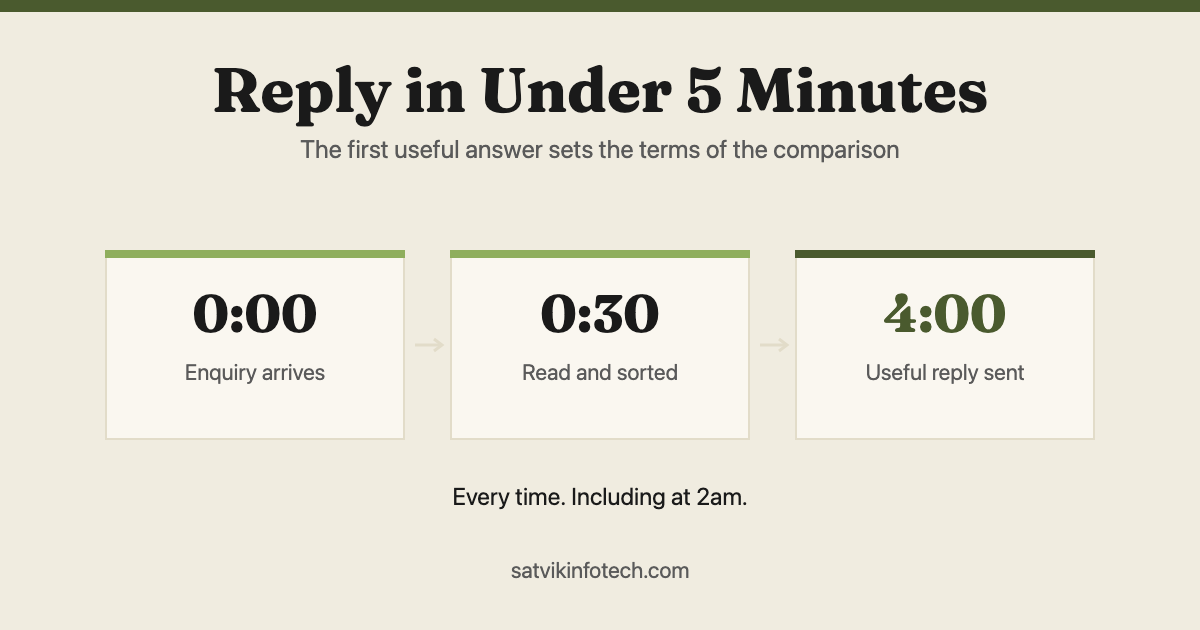
Speed is the reason this matters as much as it does. Getting the first reply out quickly is the highest-leverage thing an automation does for a service business, which is the whole argument in replying to every enquiry in under five minutes, and a handover that stalls throws that advantage away after the hard part is done.
Where AI helps, and where it makes this worse
A model is genuinely good at the job that brittle filters do badly. Reading a free-text enquiry and deciding what it is about, which team should see it, and whether it is urgent are all judgement tasks, and judgement is what keyword conditions have always faked.
Replacing a list of keywords with a model that reads the message removes a whole class of silent drops, because a model does not discard an enquiry for using an unexpected word.
The place it makes things worse is the decision to discard. A model will answer every time, it will occasionally be wrong, and a wrong answer looks exactly like a right one in the run history. Handing it the power to mark a lead as not worth pursuing rebuilds the filter problem with a less predictable filter.
The line we work to is simple: let a model read, classify, summarise and draft, and let a rule decide anything final. That distinction is the practical half of what AI automation actually is, and it is how our AI automation work is scoped.
How to find the leaks you already have
This is an afternoon of work and it does not need any new tooling. Do it on a normal week rather than a quiet one.
- Count the same week twice. How many submissions did your website form record, and how many new records reached your CRM with an owner and a next step? Any difference is a leak, and the gap tells you roughly how big.
- Submit a real test enquiry. From a phone, on mobile data, using an email address outside your company, filling it in the way a stranger would rather than the way you know works. If the form itself is hard work on a phone, the mobile conversion fixes worth making first start there.
- Follow it the whole way. Watch it reach the CRM, trigger the reply, create the task and land with a named person. Do not stop at the first green tick.
- Read every filter aloud. Ask of each condition whether it was written against a form that has since changed. Dropdown options and service lists are where the answer is usually yes.
- Check the automatic reply's inbox placement. Send it to a Gmail address, an Outlook address and one on your own domain, and look in the spam folder in each.
- Look for records with empty required fields. Sort your CRM by created date and scan for blanks. A cluster of them dates the rename that caused it.
- Add one absence alert before you finish. Even a single "no enquiries in six working hours" check catches the most expensive failure on the list.
Step one is the one to do even if you skip the rest. Two numbers that should match and do not is the fastest evidence you will get that something is wrong, and it needs no access to any automation tool.
If the audit turns up more than a couple of leaks, the problem is usually sequencing rather than any individual workflow, and the fix is to rebuild in the order described in the seven tasks a small business should automate first rather than patching each one where it stands.
Where the leak is in the CRM rather than the automation, it is generally the pipeline itself that needs the work, which is what our CRM setup and management service covers, and rebuilding the workflows around it is workflow automation.
Common questions
How do I know if my automation is losing leads?
Count the same week twice, from two different places. Compare the number of enquiries your website form recorded against the number of new records that reached your CRM with an owner and a next step. Any difference is your leak, and the run history will not show it, because every step involved reported success.
Why does a filter count as a successful automation run?
Because stopping was what you asked it to do. A filter exists to end a run when its conditions are not met, so a run that halts at one has behaved correctly by definition and is recorded as handled rather than failed. That is why filters are the commonest place a lead disappears: the condition stays enforced long after the form or field behind it has changed.
What should an automation alert on?
Absence, not just errors. Error alerts fire only when something breaks, and the failures that cost you leads are the ones where nothing breaks, so the useful alert is the one that fires when an expected thing has not happened. No enquiries in six working hours, a lead unowned after an hour and a record created with a blank email all catch faults that produce no error at all.
Does adding AI to an automation make this better or worse?
Both, and the difference is where you let it decide. A model is good at reading a messy enquiry and deciding what it is about, which removes brittle keyword filters and the misrouting they cause. It is a poor choice for the step that decides whether a lead is worth pursuing, because it will answer confidently every time, it will occasionally be wrong, and nothing about a wrong answer looks different from a right one in the run history.
How often should automations be reviewed?
Review them whenever the things they depend on change, and at least once a quarter otherwise. Automations do not rot on their own: they break when a form gains a field, a CRM pipeline gains a stage, a person leaves, or a plugin update renames something. Tie the review to those events rather than to the calendar alone, and treat any change to a lead form as a change to every automation that reads it.
If you are choosing where the first reply should even arrive, chatbot, live chat or contact form is the better starting point, and what we ask before quoting any of this is set out on our answers page.